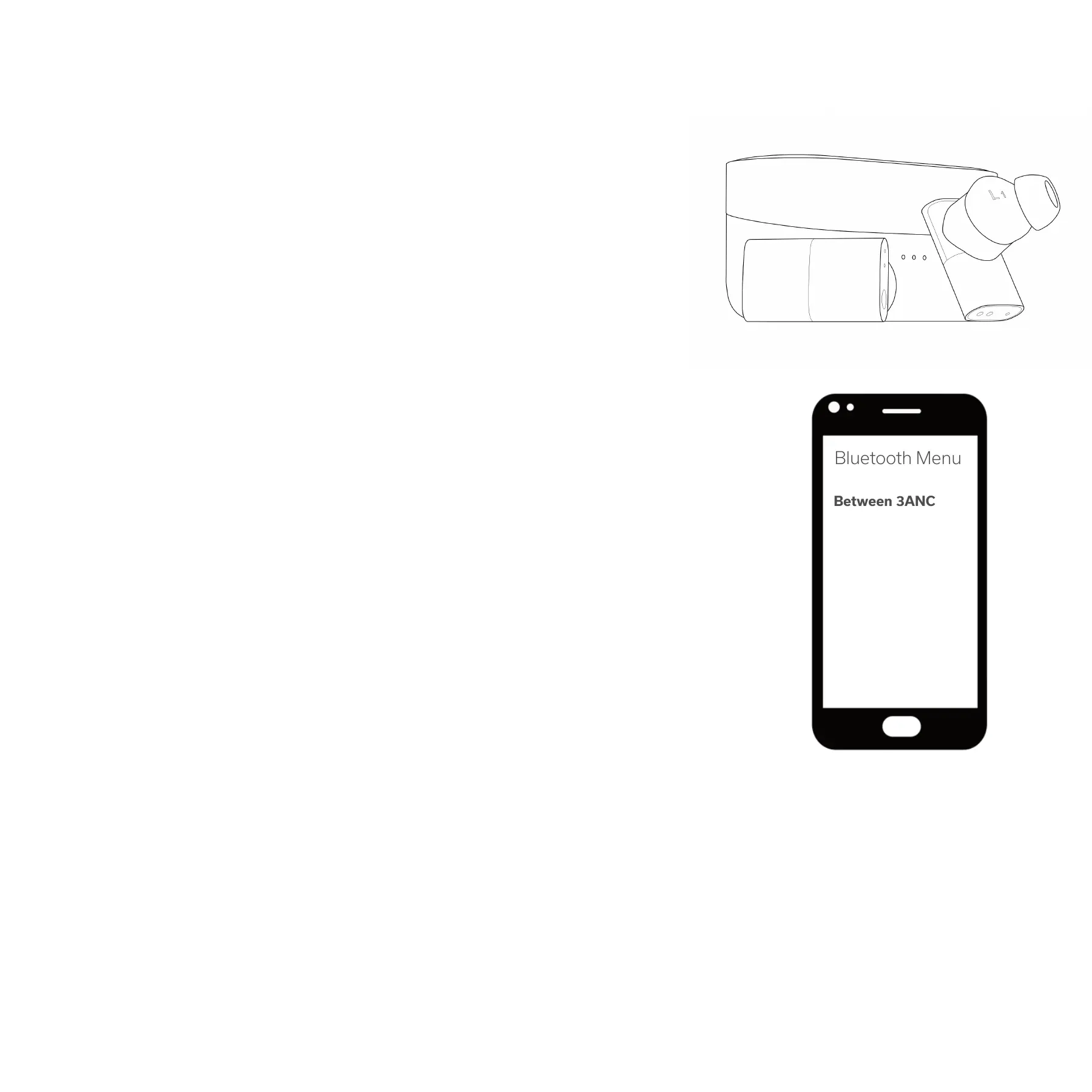
Now go to the Bluetooth Menu on your device.
Operate
Open the case and remove the earbuds.
This will automatically put the buds in "pairing" mode,
which means they are ready to connect to your device(s)!
"Between 3ANC" should be listed in your Bluetooth Menu.
If it isn't, just give it 5-10 seconds to appear.
Still nothing? Turn Bluetooth on and off on your device.
Select "Between 3ANC", and the earbuds will connect.
You'll hear an audio prompt from the earbuds confirming
the connection.
You are now connected.
The image to the right shows a smartphone, but you can connect the
Between 3ANC with any Bluetooth-enabled device: smartphones, tablets,
computers, televisions, and more.


 To Next Page