CELLULAR SETUP
Press SYNC. Your camera will flash in sequence as it pairs to your account.
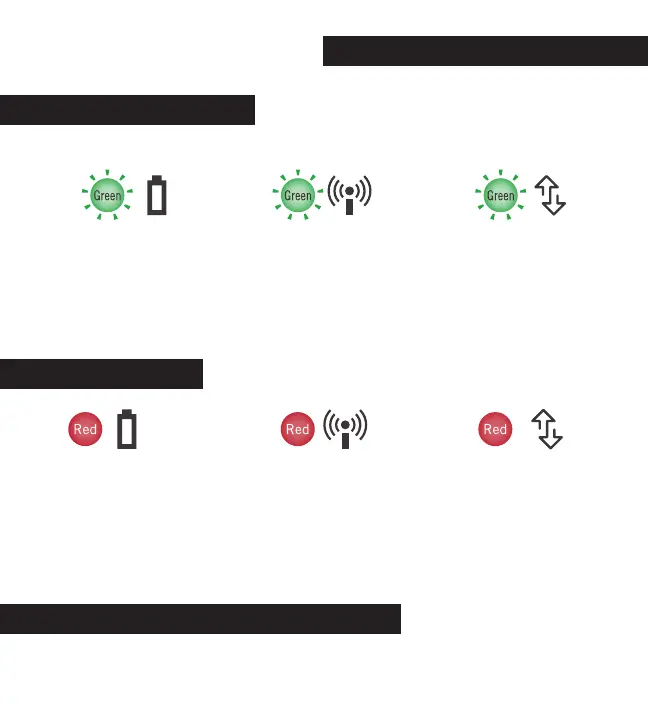
Solid Red Battery:
▪ No SD card
▪ Low battery
▪ SD Larger than 32GB
Solid Red Network:
▪ No SIM card
▪ Loose SIM card
▪ Weak signal
▪ No active data plan
Solid Red Connection:
▪ No Connection found
All LEDs Flashing Red: software is updating. Do not turn off camera during updates.
By pressing the SYNC button. This will take a test photo and instantly attempt to
upload it. If successful, the photo will appear in your Command Pro app.
Flashing Green Connection:
Checking for connection
Each light will turn solid green when they are successful. If a light turns red, use
the following error codes for possible causes.
Flashing Green Network:
Checking for internet
service
LED STATUS GUIDE
ERROR CODES
TEST YOUR CAMERA CONNECTION
Flashing Green Battery:
Checking hardware
& battery status



 To Next Page