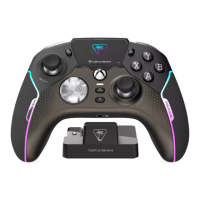
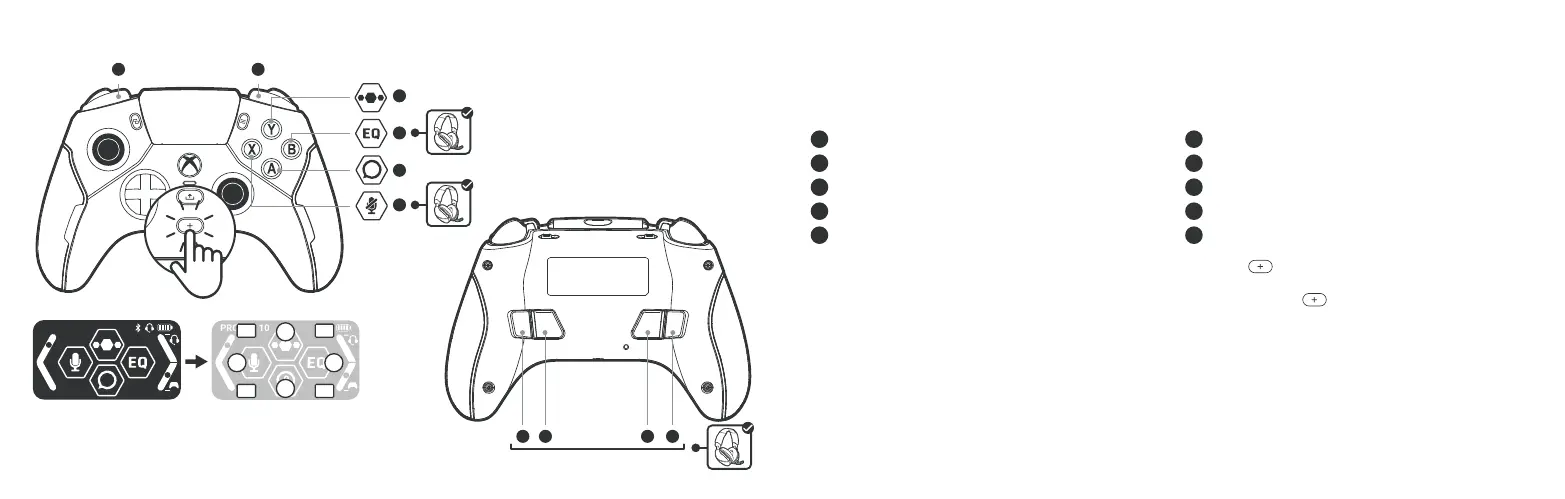
COMMAND DISPLAY: DASHBOARD
P3
P4
P1
P2
A
X B
Y
PROFILE 10
VOL MIX
9
A
IH
G
J
B
C
D
E
F
P1 P2 P3 P4
The Command Display expands the functionality and customization of the controller. It functions
your controller such as:
A
B
C Open main menu
D EQ cycle
E Social feed
F Mic mute
G
H Chat mix –
I
J Volume –
To access the dashboard during gameplay, simply press the
button to change the focus of
the controls from the game to the Command Display. Then alter your preferred setting using
the assigned controls. Once you have made adjustments press the
button again to return
focus to the game.
The RGB LEDs will change state depending on what focus state the controls are in.
Audio adjustment options will not appear if the controller does not have a 3.5mm headset
connected, or if it is being used as a Bluetooth controller.


 To Next Page
 Loading...