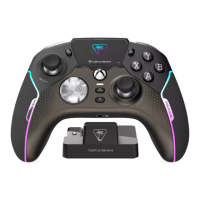
D
A
B
C
E
F
COMMAND DISPLAY: MAIN MENU
The Command Displays’ second mode of operation is the MAIN MENU interface. Ideal for
more in-depth customization.
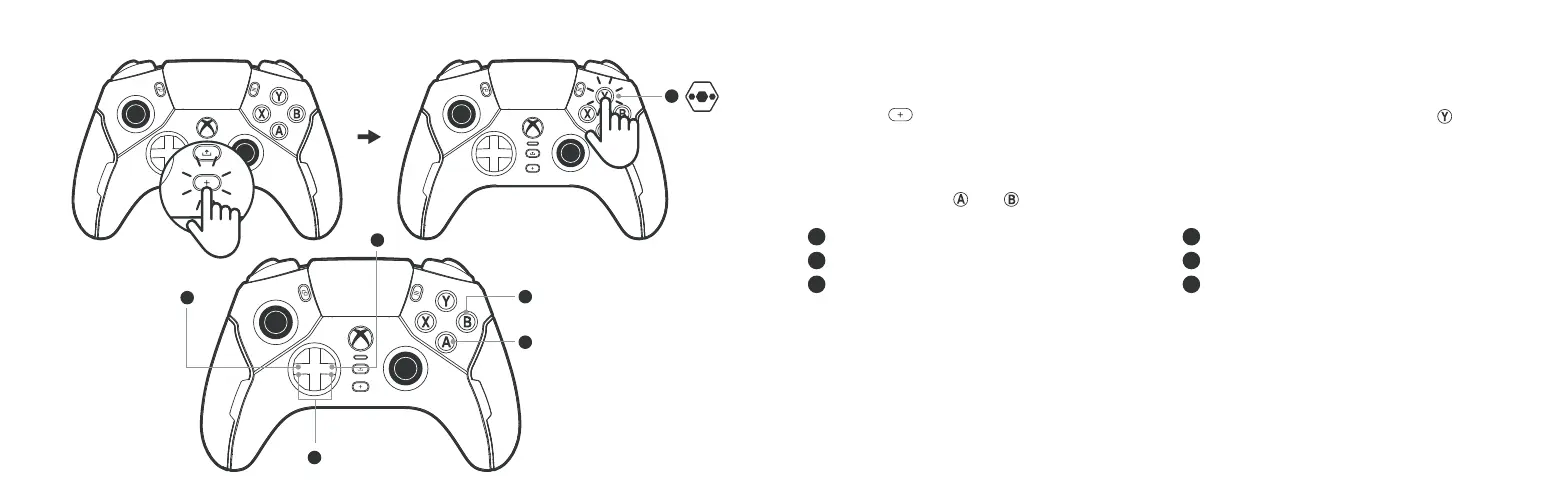
Press the
button to change input focus to the Command Display, then Press the button
to access the MAIN MENU.
Here you can access all the product features and customization options. You can navigate the
interface just as you would on your console, using the D-Pad to navigate and adjust options
and using Buttons
and to select/accept or go back/cancel.
A Open main menu
B Previous menu item
C Next menu item
D Adjust feature
E Back/cancel
F Select/accept
Adjustable customization options are stored in the on-board memory.
These are divided into two types:
• Per Prole:
• Global:
For example, the Command Display brightness.


 To Next Page
 Loading...