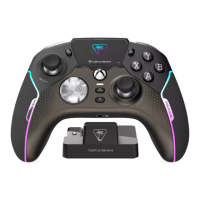
PROFILE 10
CONNECT
CONNECT
WIRELESS XBOX/PC
CONNECT
SMART DEVICES
PAIRING
BACK
B
Y
WIRELESS
XBOX/PC
PAIRING
BACK
B
Y
SMART
DEVICES
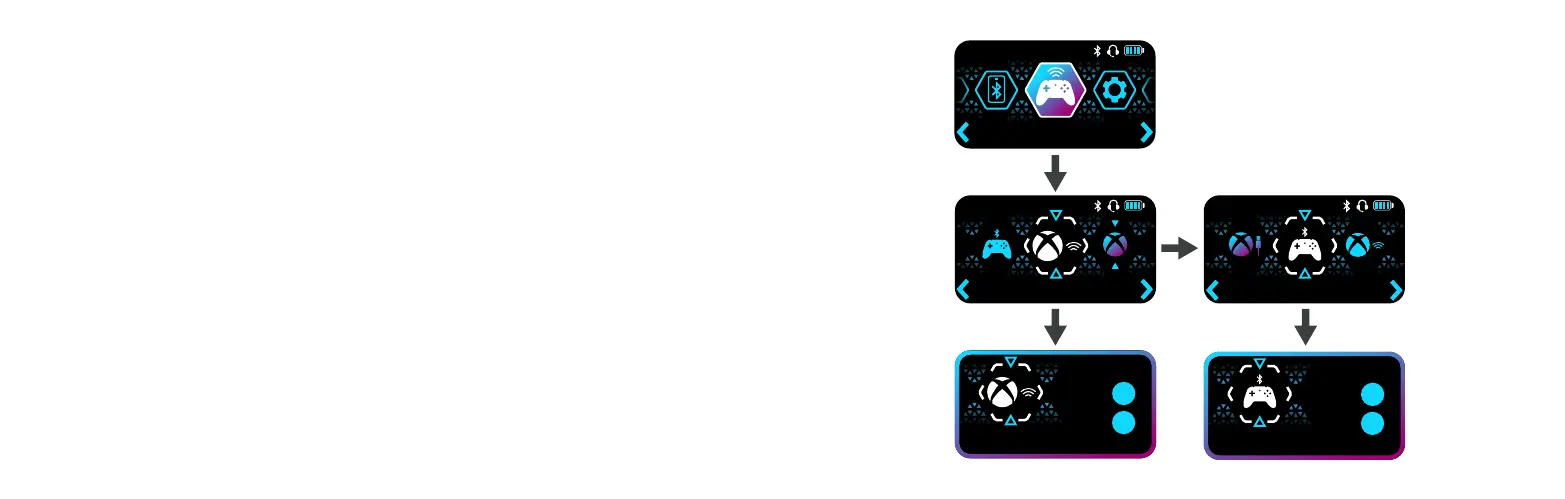
COMMAND DISPLAY: MAIN MENU - CONNECT
The CONNECT section allows you to select and pair to wireless devices. For example, you
could initiate the pairing process to your existing, or replacement wireless dongle, or connect via
Bluetooth to a supported smart device.
Without using this page, the product will intelligently handle its connection status. For example,
if you are using as a wireless controller on Xbox, and connect the USB cable to charge, it will
automatically switch to wired connection state. Once the battery is charged, disconnecting the
cable will switch back into wireless mode and will begin to look for its paired dongle.


 To Next Page
 Loading...