28
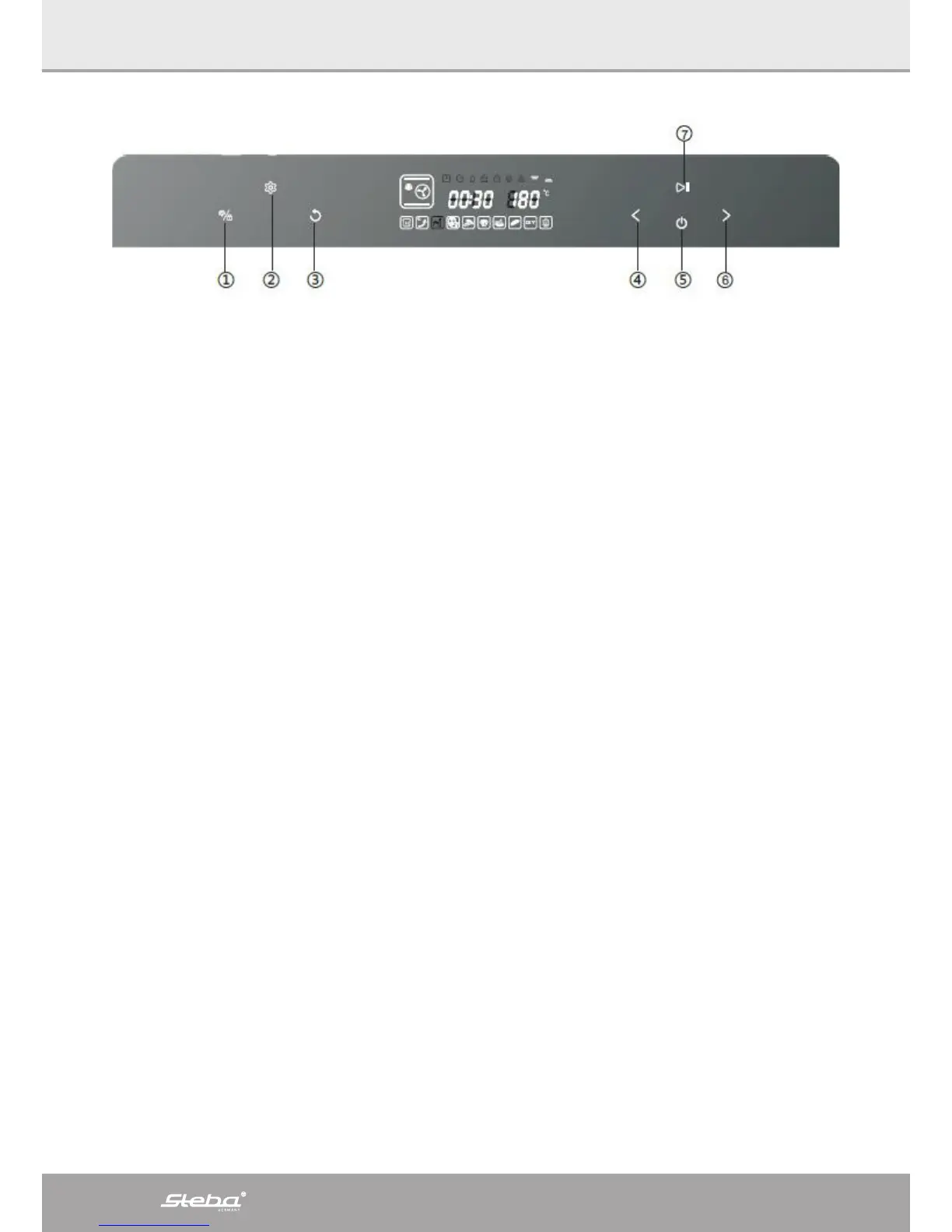
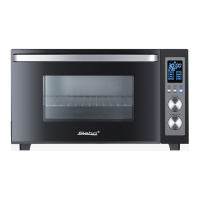
1 Interior lighting / child lock
o The interior lighting can be turned on and off with this button
o The lamp shines for 3 minutes after the cooking process is finished or after the
door has been opened.
o Child lock: keep this button pressed for 3 seconds to turn on the child lock.
Press again to unlock.
2 Setting button time pre-setting
o Press this button to set at starting time of a program
3 Return button
o Press this button to return in the menu
4 Select button backwards
o Selection of the function and the 10 modes
o Timer setting
o Temperature setting
5 ON / OFF
o Press the button, all symbols are shining
o Press the button to stop a program
o The devise turns into standby
6 Select button forwards
o Selection of the function and the 10 modes
o Timer setting
o Temperature setting
7 Enter button
o Start / pause / enter



 To Next Page