76
QUICK START GUIDE
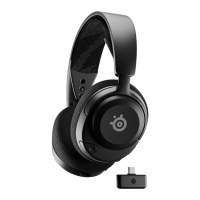
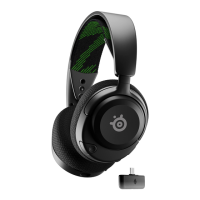
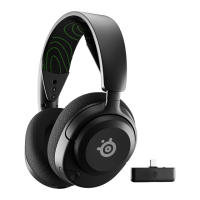
Arctis Nova 5X Wireless can easily switch between a dongle and Bluetooth
connection for seamless usability. Need to take a call while you’re gaming?
Want to switch from your phone to your PC? Get started here.
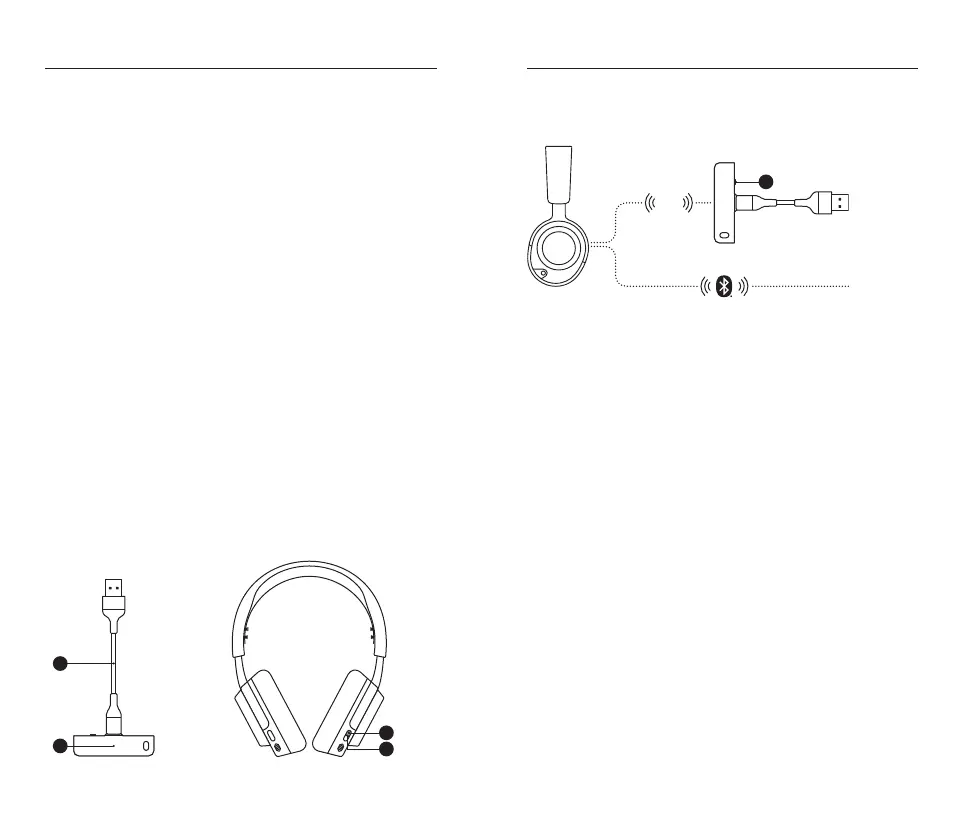
2.4 MODE
1 Connect the USB-C Wireless Dongle (12) into the USB-C to USB-A
Adapter Cable (16)
2 Plug the USB-C to USB-A Adapter Cable (16) into your Xbox or
computer directly
3 Once the headset is turned on you will hear the connected sound
eect and the Power Indicator LED (10) on the headset will blink
slowly
BLUETOOTH MODE
1 To switch to BT mode, press the Quick-Switch Button (11) on the
headset and you will enter pairing mode
2 Go to your main device’s Bluetooth settings and pair to the “Nova 5X”
device. Once successfully paired the blue Power Indicator LED (10)
will go from fast blinking to blinking slowly
3 Now that you’re setup you can switch between 2.4 GHz mode and
Bluetooth mode seamlessly with the press of the Quick-Switch
Button (11)
11
10
12
16
Xbox / PC
SETUP
XBOX CONNECTION
Set the Dongle’s Wireless Mode Switch (13) to “Xbox”
2.4
GHz
Xbox
Any BT
13




 To Next Page