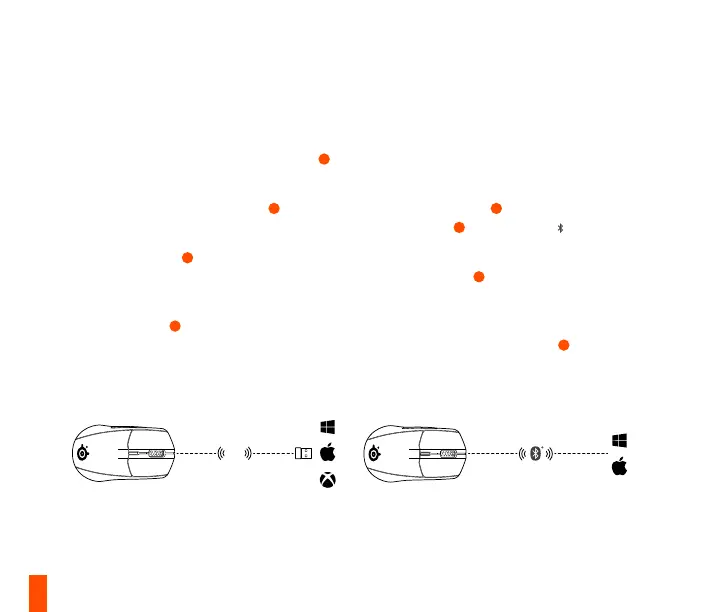
2.4
GHz
7
SETUP
CONNECTING VIA 2.4 GHZ WIRELESS
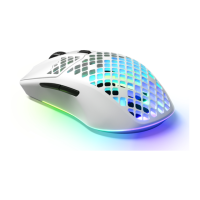
1 Connect the Rival 3 Wireless’ Nano Dongle
10
to an available USB port on your device.
2 Toggle the Wireless Mode Switch
13
to the
“2.4 GHz” position.
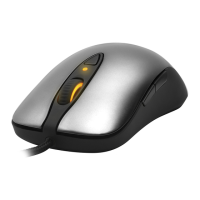
3 The Scroll Wheel
3
will glow orange when
connected.
4 To further customize your mouse, or re-pair
a Nano Dongle
10
, download the SteelSeries
Engine software from steelseries.com/engine
More detailed product information at steelseries.com/rival-3-wireless
PAIRING VIA BLUETOOTH
1 Initiate Bluetooth pairing mode on your
Bluetooth 5.0 or higher enabled device.
2 Hold the CPI Button
4
and toggle the Wireless
Mode Switch
13
to the Bluetooth position to
turn on your mouse.
3 The Scroll Wheel
3
will start blinking blue
when searching for a connection.
4 Select “Rival 3 Wireless” on your Bluetooth-
enabled device. The Scroll Wheel
3
will glow
orange when connected.



 To Next Page