CLEANING AND MAINTENANCE
Please observe all safety advice.
Before cleaning always disconnect the power plug from the wall socket.
Clean the housing with a soft and moist cloth and a mild detergent.
Never use abrasive detergents or sharp utensils.
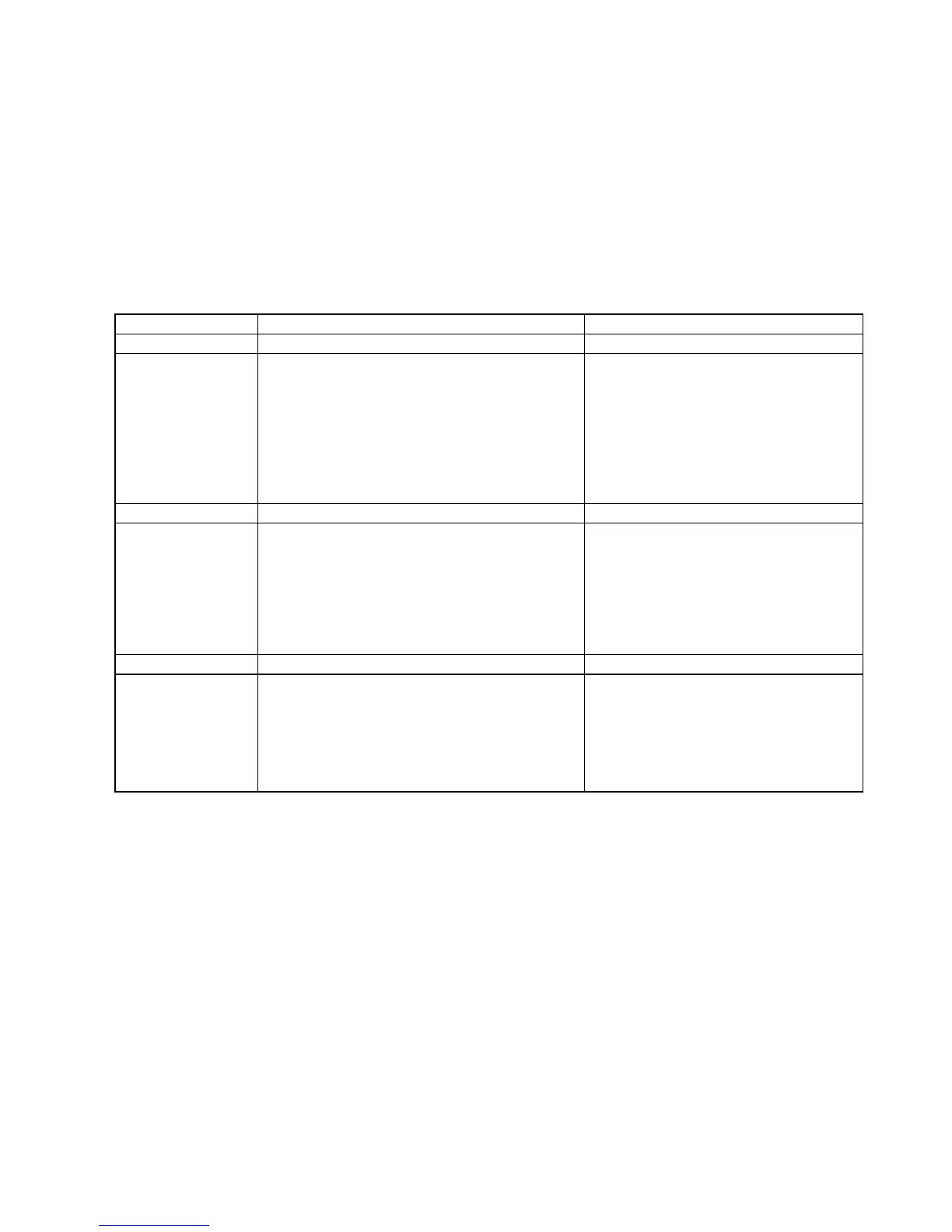
TROUBLE SHOOTING
If a fault occurs, first check the points listed below before taking the unit for repair. If you are unable to
solve a problem by following these tips, consult your Dealer or authorized Service Centre.
WARNING: Never open the device. Always refer service or maintenance to authorized service
personnel.
The Power Cord has not been
connected or no batteries have been
inserted.
The Volume is set too low.
The batteries are exhausted.
The batteries are inserted incorrectly.
Connect the Power Cord
correctly, check the connection
or insert batteries.
Turn the Volume up.
Replace the batteries.
Check if the batteries have been
correctly inserted – check the
polarities.
Weak signal.
Interference from other appliances
e.g.TV, VCR, Computers, etc.
Adjust the Antenna:
For FM: Telescopic Antenna
MW/LW: re-position the radio for
better reception.
Keep distance between the radio
and other electrical appliances to
minimize interference.
There is no
music playing
from my other
Audio Player
The Audio Cable has not been
connected properly.
The external player is not switched on.
The Volume has not been turned up.
For MP3 Players/iPOD: there is no
music stored on the device.
Check the 3.5mm dia. plug has
been inserted fully.
Check it has been switched on.
Increase the volume.
Download some music onto the
MP3 Player/iPOD.
TECHNICAL SPECIFICATIONS
GENERAL
Power supply : AC 230V ~ 50Hz (via detachable Power Cord supplied)
Battery operation : 6 x 1.5V / „C‟ size batteries (not supplied)
Power consumption : 2 Watt
Dimensions : 300 (w) x 80 (d) x 210 (h) mm
Weight : approx. 1.8 kg (without batteries)
RADIO
Frequency Band FM : 87.5 – 108 MHz
MW : 525 - 1615 KHz
LW : 148.5 - 283.5 Khz
Antenna : FM Telescopic Antenna (4-section/60cm long)
: MW/LW built-in Ferrite Antenna
INPUT SOCKETS
Aux-in Socket : Stereo/Mono Jack / 3.5mm diameter
Headphone Socket : Stereo/Mono Jack / 3.5mm diameter


 To Previous Page