Repeat play
With this function you can listen to a desired file or folder over and over again.
Random play
With this function you can listen to all files in any (random) order.
CD/MP3-CD PROGRAMMING (BY REMOTE CONTROL)
Up to 20 tracks can be programmed for CD (100 tracks for MP3-CD files) using the Remote Control.
Before programming, ensure the system is in Stop mode.
1. Press the FUNCTION button to select CD 1 mode and stop playback .
2. Press the “MEM/CLK-ADJ” button (58), “ MEM “ will appear on the display.
It will also indicate the program number and track number digits for the track
to be programmed.
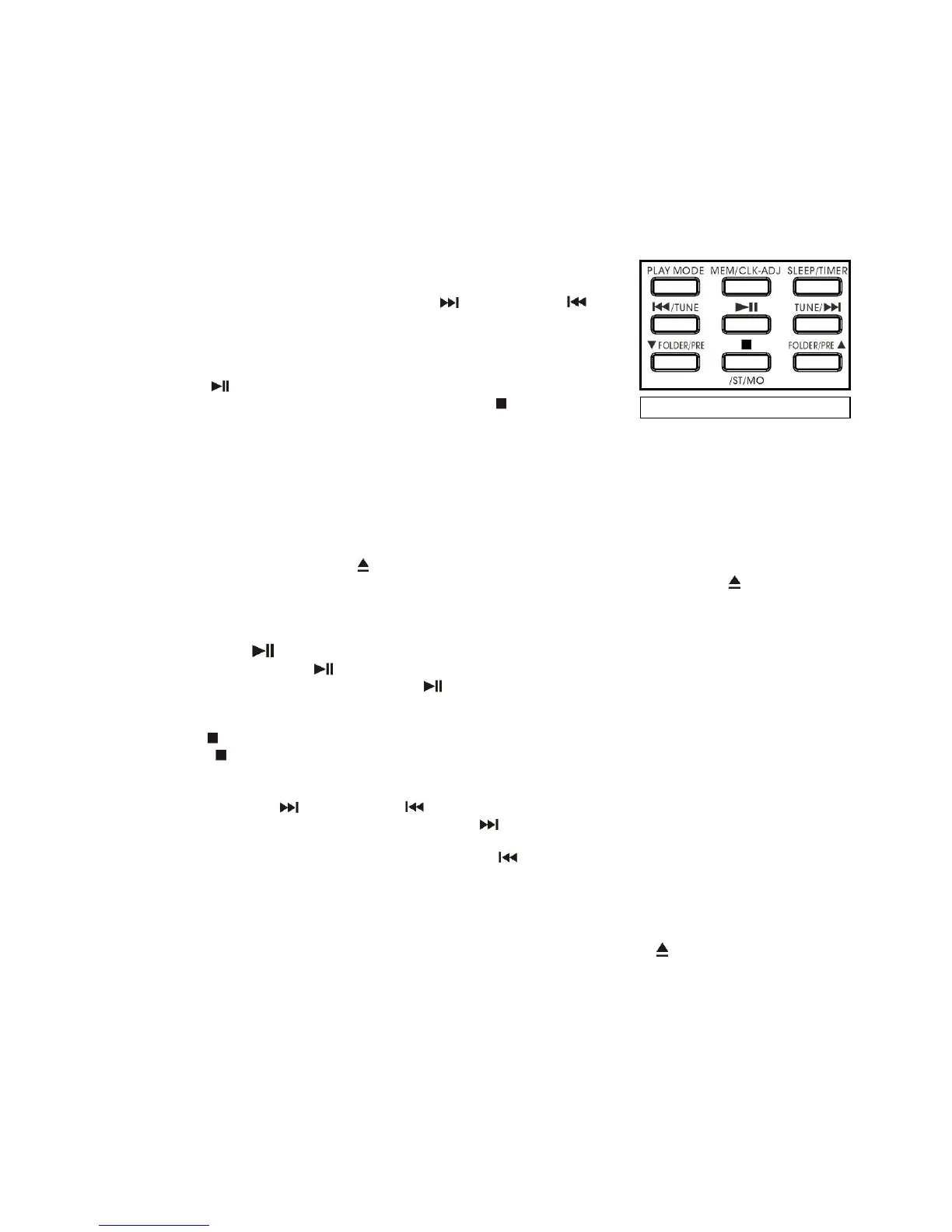
3. Select a track by pressing the Skip Up TUNE/ or Skip Down /TUNE
buttons (58) on the Remote.
4. Press the “MEM/CLK-ADJ” button to store the track into memory.
5. Repeat steps 3 and 4 to enter additional files into the memory if required.
6. When all the desired files have been programmed, press the CD1
Play/Pause button (13) to play the files in the designated order.
7. To cancel the programmed files, press the “CD Stop ” button (12) until
“MEM“ disappears from the display.
PLAYING A COMPACT DISC IN CD2
The playback information for CD2 will appear in the bottom section of the LCD display.
Getting started
1. Press the Function button (24) to select CD 2 mode, the LCD display will show “ CD-2 ” then “ --- bUSY “ for a
second, then change to “NO DISC”.
2. Then press the “CD 2 Open/Close ” button (20) to open the CD 2 door (31).
3. Place an audio CD with the printed side facing up inside the tray and then close the CD tray .
4. The unit will start reading the disc, the display bottom area will show “bUSY“ and then display the total number of
tracks and total playing time of the disc.
Play / Pause mode
1. Press the CD 2 “Play/Pause ” button (19) to start playback, the first track will start playing.
2. To interrupt play, press the CD 2 “Play/Pause ” button once, the playing time will freeze on the LCD display,
press it again to resume normal playback.
Stop mode
If “CD 2 Stop “ button (18) is pressed during play or pause mode, the disc in CD 2 will stop playing and show
the total number of tracks on the CD Recorder operation LCD display.
Skip mode (skip up / skip down )
1. While a CD 1s playing or paused, if the “CD 2 Skip up ” button (17) is pressed, it will go to the next track, the
display will show the track number and play it.
2. While a CD 1s playing or paused, if the “CD 2 Skip down ” button (17) is pressed, it will go back to the
previous track and play it.
IMPORTANT NOTES:
When changing a disc, always press the “CD 2 Stop ” button (18) first so that the CD 2 Recorder operation
display shows the original information - before pressing the “CD 2 Open/Close ” button (20)!
- The reaction time of the CD Recorder is longer than that of a normal CD player due to the complexity of the
system.
- If this happens, please disconnect the unit from the mains, let it rest for about 15 minutes and then re-start it.
This should hopefully re-set the unit.
- The reading and playback time of a CD-R(W) disc may vary from brand to brand.
- There may encounter problems caused by the incompatibility of the disc used: recommended brands of
CD-R(W) disc are for instance TDK, Maxell, Sony, Fuji, and other good quality discs.
- This device is only designed for recording to normal Audio CD format - it does not record to MP3/WMA format.
E-7


 To Next Page
 Loading...