ENGLISH
NOTE
· The motorizing function of the fader is available only
when the AC power adaptor is connected to the
CC121.
2
PAN knob
Controls the PAN parameter.
3
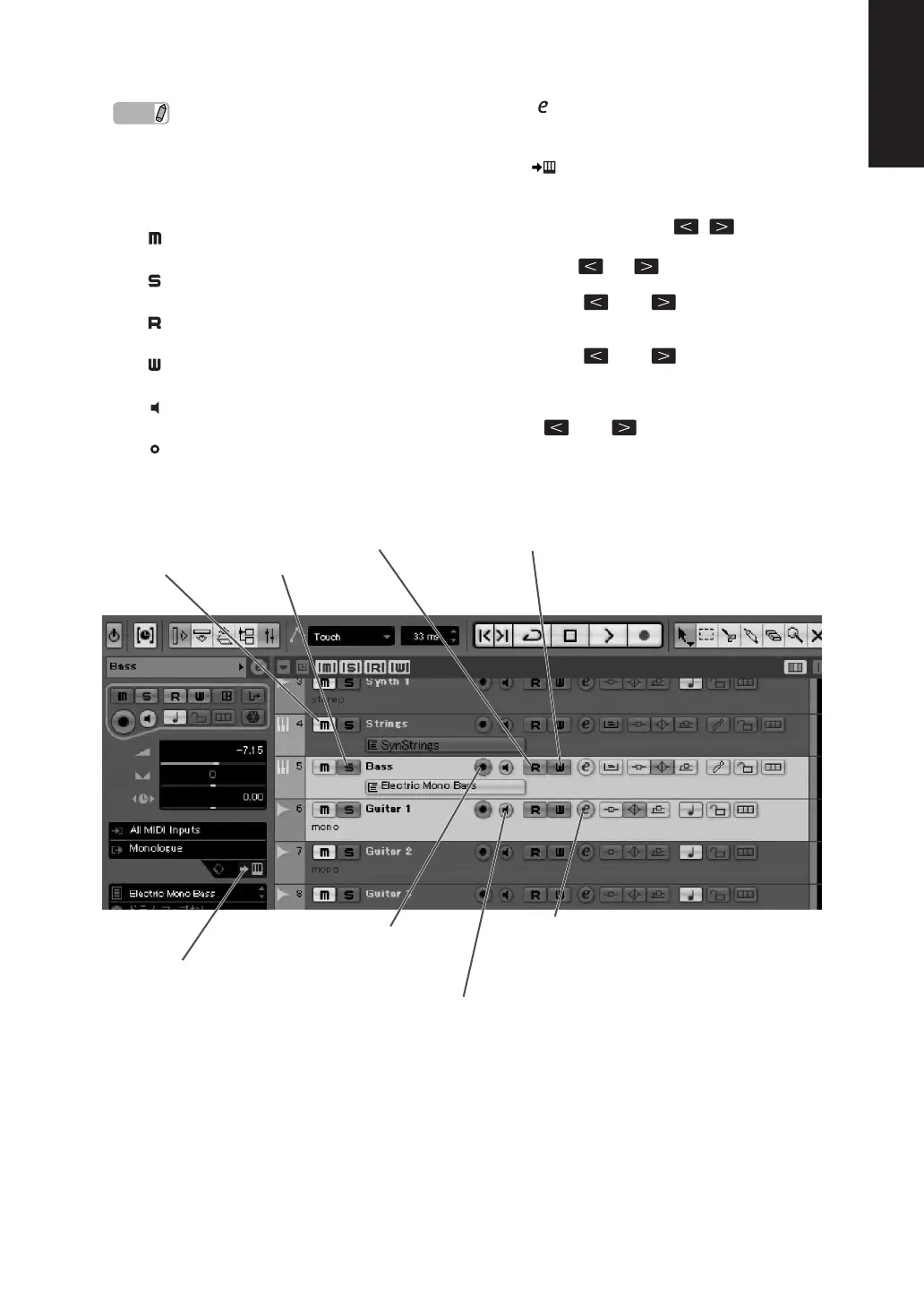
[] (Mute) button
Turns the Mute on or off.
4
[] (Solo) button
Tur ns the Solo on or off.
5
[] (Read Automation) button
Tur ns the Read Automation on or off.
6
[] (Write Automation) button
Tur ns the Write Automation on or off.
7
[] (Monitoring) button
Tur ns the Monitoring on or off.
8
[] (Record Enable) button
Alternately enables and disables recording.
9
[] (Edit Channel settings) button
Opens/closes the settings window for the selected
channel.
)
[] (Edit Instrument) button
Opens/closes the VST instrument settings window
for selected track.
!
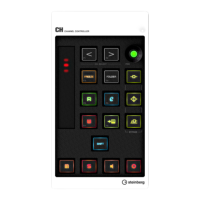
CHANNEL SELECT [ ][ ] buttons
Selects the track you want to control.
· Hold the [ ] or [ ] button to move through
tracks continuously.
·Press the [ ] and [ ] buttons simultaneously
to open a folder track when a folder track is
selected.
·Press the [ ] and [ ] buttons simultaneously
to open an automation track when an Audio track
or Instrument track is selected.
·To close all folder tracks, select any track and hold
the [ ] and [ ] button simultaneously for
longer than a half second.
Mute
Solo
Read Automation
Edit the channel settings
Monitoring
Record Enable
Edit Instruments
Write Automation


 To Next Page