– 6 –
Assigning Output Buses
1.
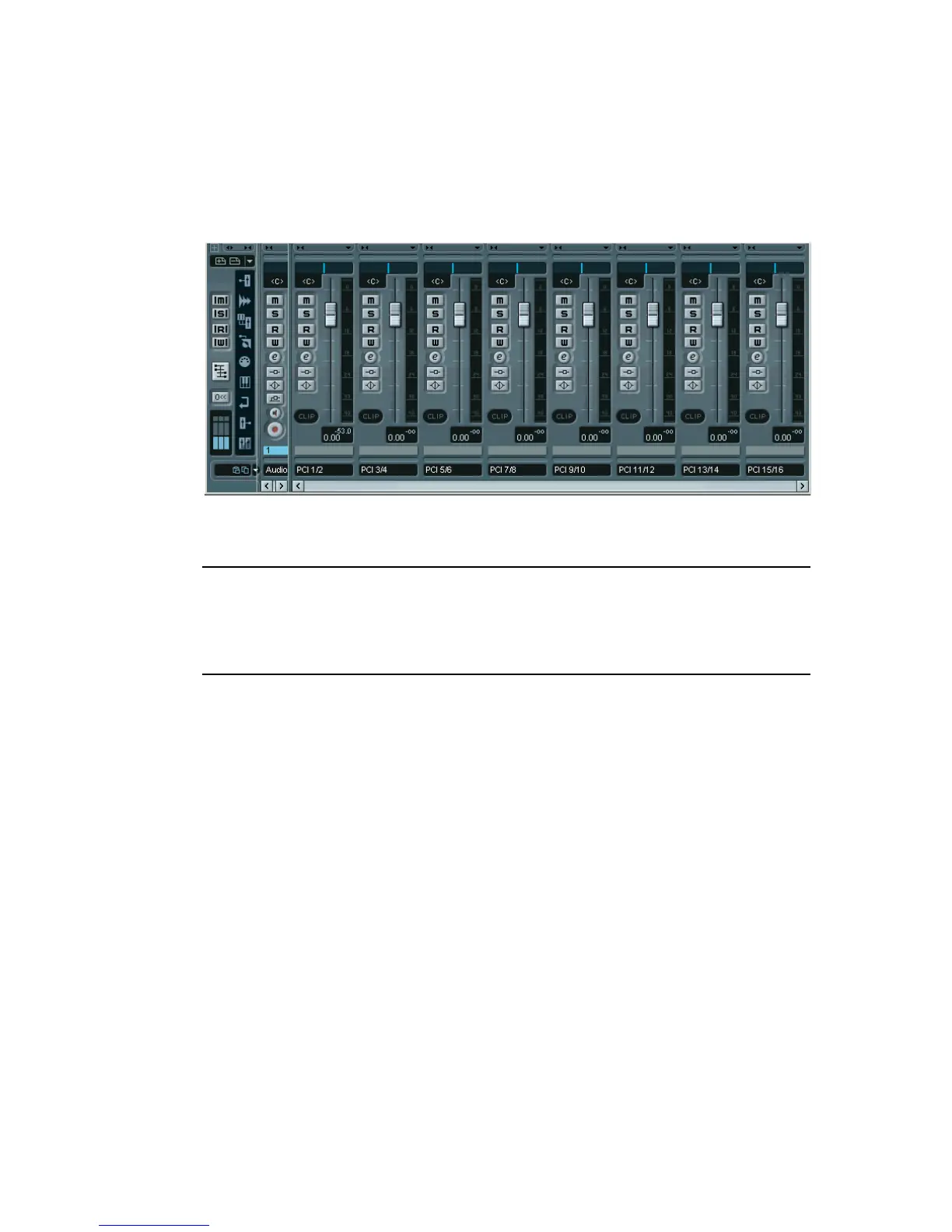
Pull down the Devices menu, select VST Connections and open the
Outputs tab.
Repeat steps 3-7 of the description above until eight busses are shown in the Mixer.
2.
Make sure that each bus is assigned to the desired DS2416 PCI Out.
❐
These “PCI Outs” are not the physical outputs of the audio hardware, but
rather “output lines” connecting VST to the DS2416. The actual routing to
physical outputs is done in the DSP Factory windows, as described on
page 36.
3.
If you like, rename the busses by clicking in their name fields and typ-
ing in new names.
These names will be shown on the Output pop-up menus in Nuendo.


 To Next Page
 Loading...




