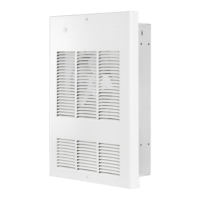
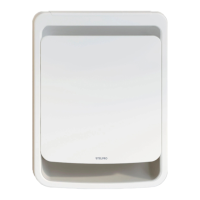
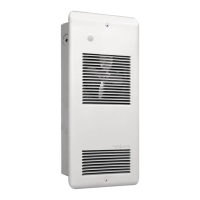
INSARWF0509
TO CHANGE POWER OF UNIT
Before doing the following connections, make sure to turn off the fuse/breaker supplying the circuit.
High Power Setting (Factory Setting)
- Refer to related wiring examples to complete the connection to the cable coming from the circuit breaker and the thermostat (if needed).
- Wires A and B are connected together (factory setting).
- Ground connection (GND): Make sure each component of the connecting circuit (circuit breaker panel, cable, thermostat, junction box), is connected to the ground wire coming from
the circuit breaker cable. In the unit, use the green screw to connect the ground wire from the cable.
- Wire nut connection: To make a wire nut connection, twist bare ends of wires together, insert them in a wire nut and twist to squeeze. Then, pull each wire and make sure they cannot
come out of the wire nut.
- Once all these steps are performed, you can turn on the circuit breaker safely.
Low power setting
- Refer to related wiring examples to complete the connection to the cable coming from the circuit breaker and the thermostat (if applicable).
- Only wire A is connected. So, remove wire B and put a wire nut on its tip.
- Ground connection (GND): Make sure each component of the connecting circuit (circuit breaker panel, cable, thermostat, junction box), is connected to the ground wire coming from
the circuit breaker cable. In the unit, use the green screw to connect the ground wire from the cable.
- Wire nut connection: To make a wire nut connection, twist bare ends of wires together, insert them in a wire nut and twist to squeeze. Then, pull each wire and make sure they cannot
come out of the wire nut.
- Once all these steps are performed, you can turn on the circuit breaker safely.
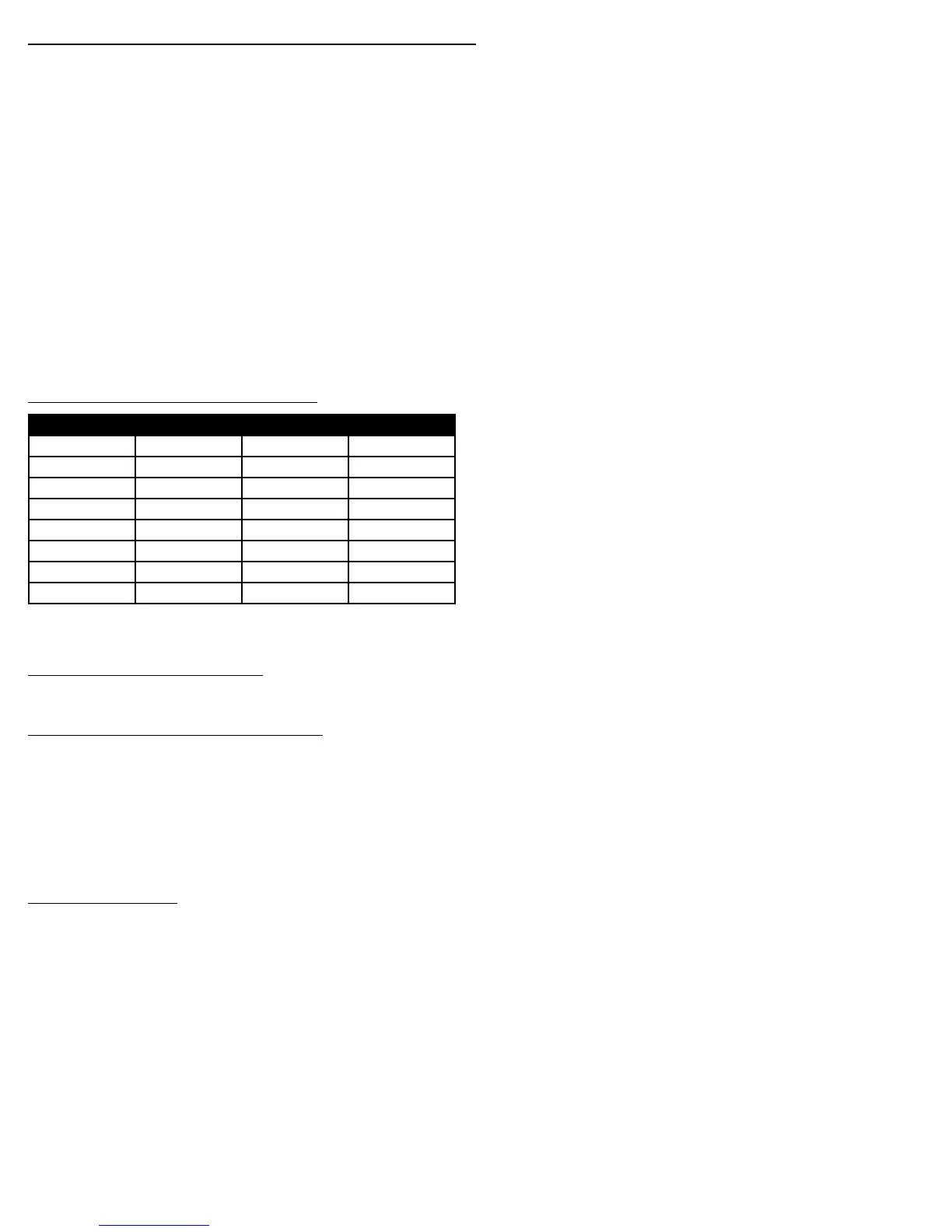
Available Products with Dual Power
Product Code High Power Low Power Volts
ARWF1001 1000W 500W 120V
ARWF1008 1000W 500W 208V
ARWF1002 1000W 500W 240V
ARWF1501 1500W 750W 120V
ARWF1508 1500W 750W 208V
ARWF1502 1500W 750W 240V
ARWF2008 2000W 1000W 208V
ARWF2002 2000W 1000W 240V
INSTALLATION OF THE BACK BOX IN A NEW BUILDING
WARNING: When installing unit on a ceiling, leave a clearance space of at least
12” between the unit and adjacent walls. Note that it is impossible to install
the RWF2000 (2000 W) series on a ceiling. For other installations, leave an 8-in
clearance.
1. Determine which side of the back box is to be mounted against a stud or
ceiling joist. Allow for the thickness of the finished wall when installing the
back box. The edge (shoulder) of the back box must be installed flush with
the finished wall.
2. Disassemble the fan deck from the back box by removing 4 screws.
3. Position the back box on the appropriate stud or joist location and secure it
using two nails or screws.
4. Remove one knockout in the back box to allow for the entry of the power
supply cable.
5. Bring the power supply cable to the back box. Install a cable clamp and
route the cable into the back box, leaving at least 6” (152mm) of cable
inside the back box for connection to the unit’s lead wires.
6. Put back the fan deck (4 screws).


 To Next Page
 Loading...