EasyManua.ls Logo

Steren 208-900CR - User Manual

Steren 208-900CR
50 pages
Go to English
Print Icon
To Next Page IconTo Next Page
Loading...
1
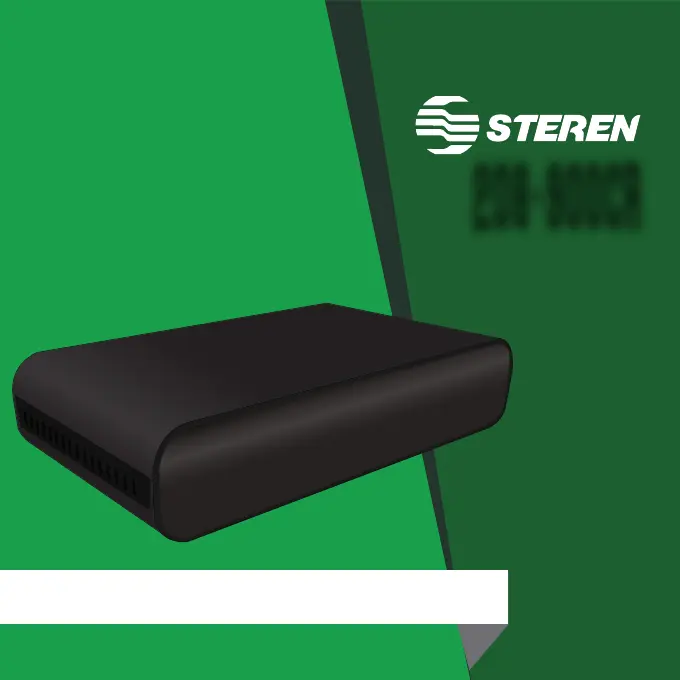
DECODIFICADOR DE TV DIGITAL TERRESTRE PARA CANALES DE ALTA
DEFINICIÓN HDTV Y SDTV
208-900CR
V0.0/1116v

Other manuals for Steren 208-900CR

Questions and Answers

  • W
    William JohnsonAug 4, 2025
    What to do if there is only sound and no picture on my Steren Tuner?
    • E
      Erin TaylorAug 4, 2025
      If you're getting only sound from your Steren Tuner and no picture on the screen, it might be due to an incorrect connection of the AV cable. Ensure that you connect the AV cable correctly.
  • M
    Margaret WardAug 10, 2025
    Why is my Steren Tuner remote control not working?
    • C
      Christopher KaufmanAug 10, 2025
      If your Steren Tuner's remote control isn't working, first, replace the battery with a new one. If that doesn't solve the problem, make sure you're using the remote control correctly and are close enough to the front panel of the Tuner.
  • A
    Amber SantiagoAug 16, 2025
    What to do if there is no sound from the Steren Tuner speaker?
    • R
      riverakevinAug 17, 2025
      If there's no sound coming from the speaker of your Steren Tuner, check these things: 1. Ensure the audio cable is correctly connected. 2. Verify that the volume isn't muted; if it is, turn the volume control on. 3. Try selecting a different soundtrack, as the current one may be faulty.
  • J
    Julie RodriguezAug 22, 2025
    What to do if my Steren Tuner display screen shows 'No signal'?
    • A
      adam34Aug 22, 2025
      If your Steren Tuner display screen shows 'No signal,' it could be due to an incorrect setting. Connect the ISDB-T cable and set the correct parameter.
  • J
    Joshua PhillipsAug 28, 2025
    How to fix a Steren Tuner with no image?
    • A
      Aaron JohnstonAug 28, 2025
      If your Steren Tuner shows no image, make sure the power is turned on and that the ignition switch is lit. If not, turn on the power.

Summary

Device Description

Decoder Overview

Details the physical components and views of the decoder unit.

Remote Control Functions

Explains the function of each button on the remote control.

Connections

Quick Start Guide

Menu Navigation

How to navigate through menus using the remote control buttons.

Initial Setup and Configuration

Steps for initial setup and region/language selection.

Main Menu Overview

Overview of options available in the main menu for settings.

Channel Management

Channel Search

Instructions on finding channels, including automatic and manual scans.

Channel List

How to view and manage the list of tuned channels, including favorites, editing, moving, and sorting.

Multimedia Features

Program List and Playback

Managing playback preferences for TV and radio shows, including program info and options.

Recording

How to program recordings using the EPG feature and configure recording settings.

General System Settings

Language Settings

Setting preferences for OSD, audio, and subtitle languages.

TV Display Settings

Configuring display parameters like TV format and resolution.

Time and Zone Settings

Adjusting time zone and related parameters.

Factory Reset Procedure

How to reset the device to its original factory defaults.

Product Specifications

Warranty Information

Steren 208-900CR Specifications

General IconGeneral
BrandSteren
Model208-900CR
CategoryTuner
LanguageEnglish

Related product manuals