EasyManua.ls Logo

Steren CCTV-060 - User Manual

Steren CCTV-060
26 pages
Go to English
Print Icon
To Next Page IconTo Next Page
Loading...
1
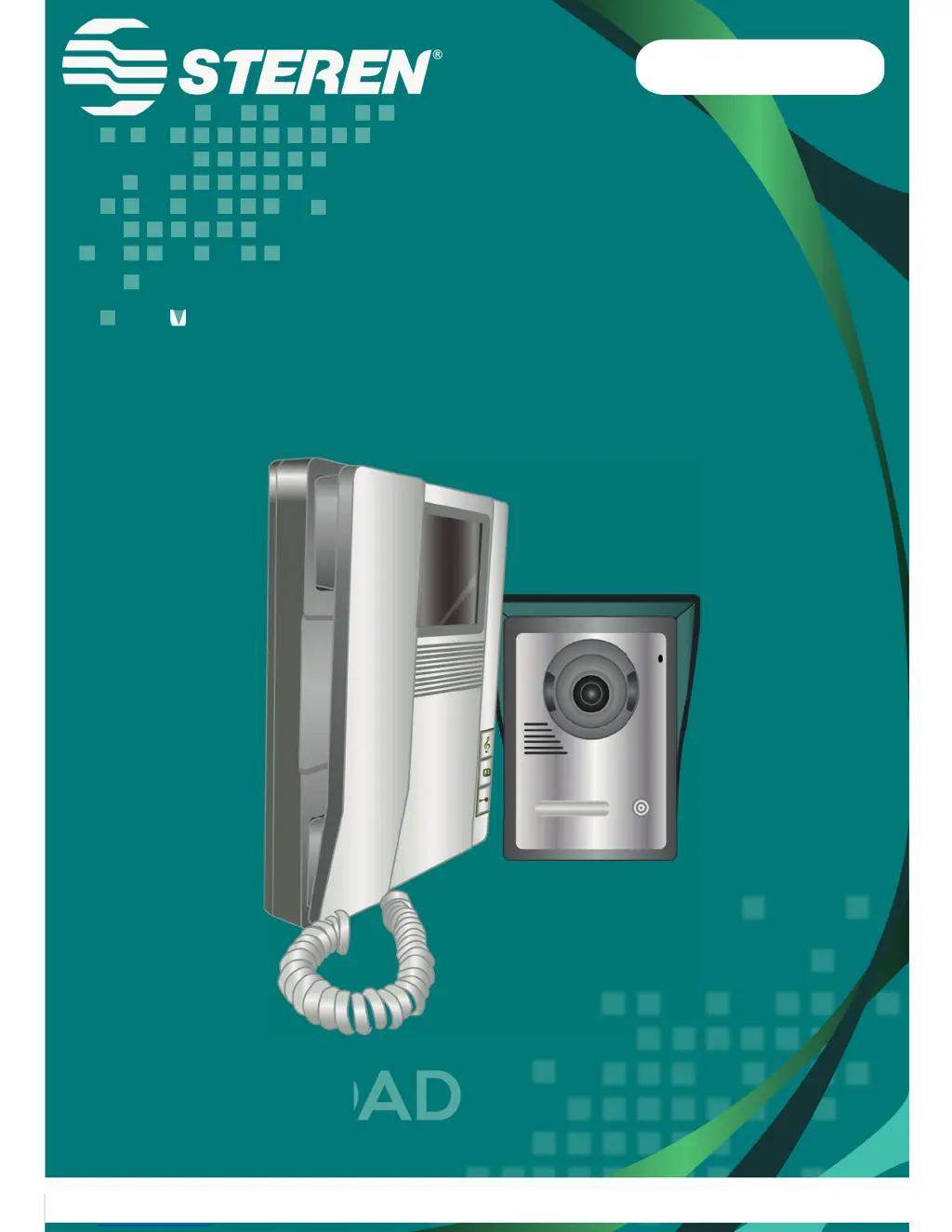
Video intercomunicador con
monitor a color de 4”
V
CCTV-060
S
E
G
URI
D
V0.1 1015vManual de instrucciones

Questions and Answers

  • D
    David BlankenshipAug 3, 2025
    How to fix Steren Intercom System with no audio or image?
    • K
      Kristi PetersAug 3, 2025
      If your Steren Intercom System isn't producing audio or image, first ensure that the device is properly connected to a power source. Next, carefully review all connections according to the provided diagram to confirm they are correctly set up. Finally, check the condition of the wires, as they may be damaged or cut.
  • D
    Deborah AliAug 12, 2025
    What to do if Steren Intercom System door doesn’t open?
    • J
      jamieoconnorAug 12, 2025
      If the door isn't opening with your Steren Intercom System, start by reviewing the connection of the electric lock to ensure it's properly connected. Also, verify that the electric lock you're using is compatible with the Steren Intercom System device.
  • M
    miguelcookAug 22, 2025
    Why Steren CCTV-060 Intercom System image has noise?
    • J
      Julie SmithAug 22, 2025
      If you're experiencing a noisy image with your Steren Intercom System, first, check all the connections to ensure no cables are disconnected. If the connections are secure, try adjusting the brightness and contrast controls to improve the image quality.

Summary

Product Highlights

Parts Identification

Camera Parts

Details the front and rear panel components of the camera, including numbered and lettered parts.

Intercom Parts

Details the components of the intercom unit, including numbered controls and connection terminals.

Installation Guide

Intercom Installation

Step-by-step guide for mounting and connecting the intercom unit to the wall.

Camera Installation

Instructions for installing the outdoor camera unit onto a wall at an optimal height.

Operation and Settings

Device Settings

Explains how to adjust tones, volume, brightness, and contrast for the intercom.

Operating Modes

Details how to handle incoming calls and monitor the outdoor camera feed.

Troubleshooting

Warranty Information

Warranty Conditions

Outlines the requirements and process for claiming product warranty service.

Warranty Void Conditions

Lists circumstances under which the product warranty will be invalidated.

Steren CCTV-060 Specifications

General IconGeneral
BrandSteren
ModelCCTV-060
CategoryIntercom System
LanguageEnglish

Related product manuals