23
CONNECTIONS
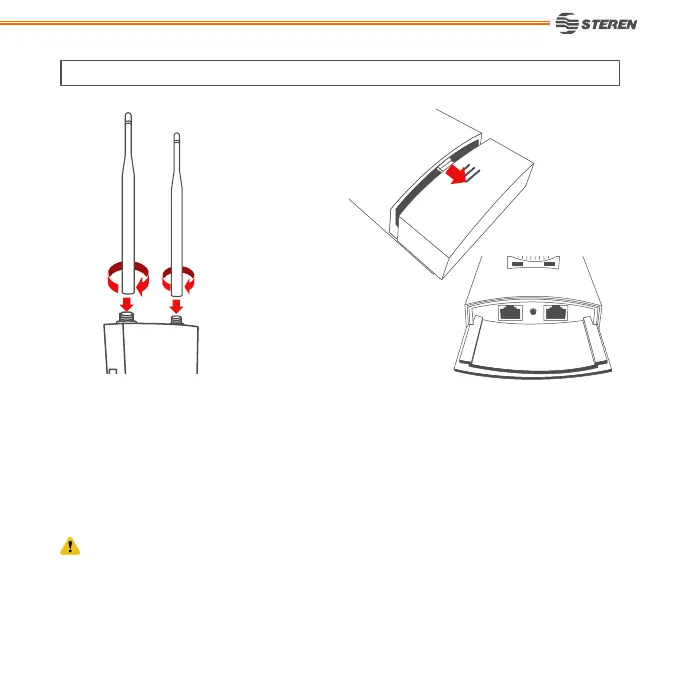
1. Place the antennas into the connectors and
twist it to adjust them.
3. According with your needs, choose a some of the options connections. (We recommend that
the distance between the internet source and the Access Point don’t exceed 90 m).
2. Remove the cover to access to the Access
Point ports.
If your network or modem have PoE, DON’T connect the PoE adapter. This apply to any connection
option that you choose.



 To Next Page