34
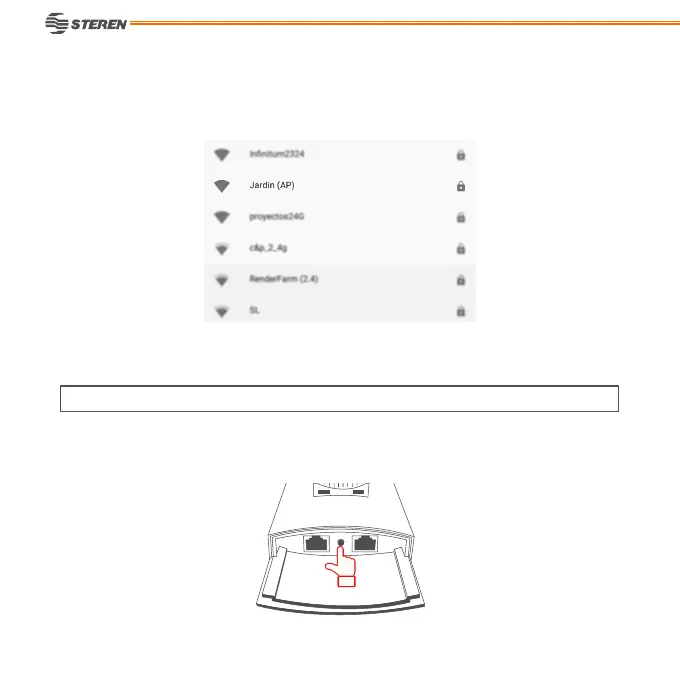
9. Wait for a few seconds, search the new name of the network and select it, write the password
that you has been set.
With the Access Point connected into the PoE adapter, press the reset button during 15 seconds
to reestablish the factory settings.
Ready! Do Surng in Internet from the Wi-Fi network of the COM-819 Access Point.
RESTART



 To Next Page