ENGLISH
ENGLISH-26
ICONS
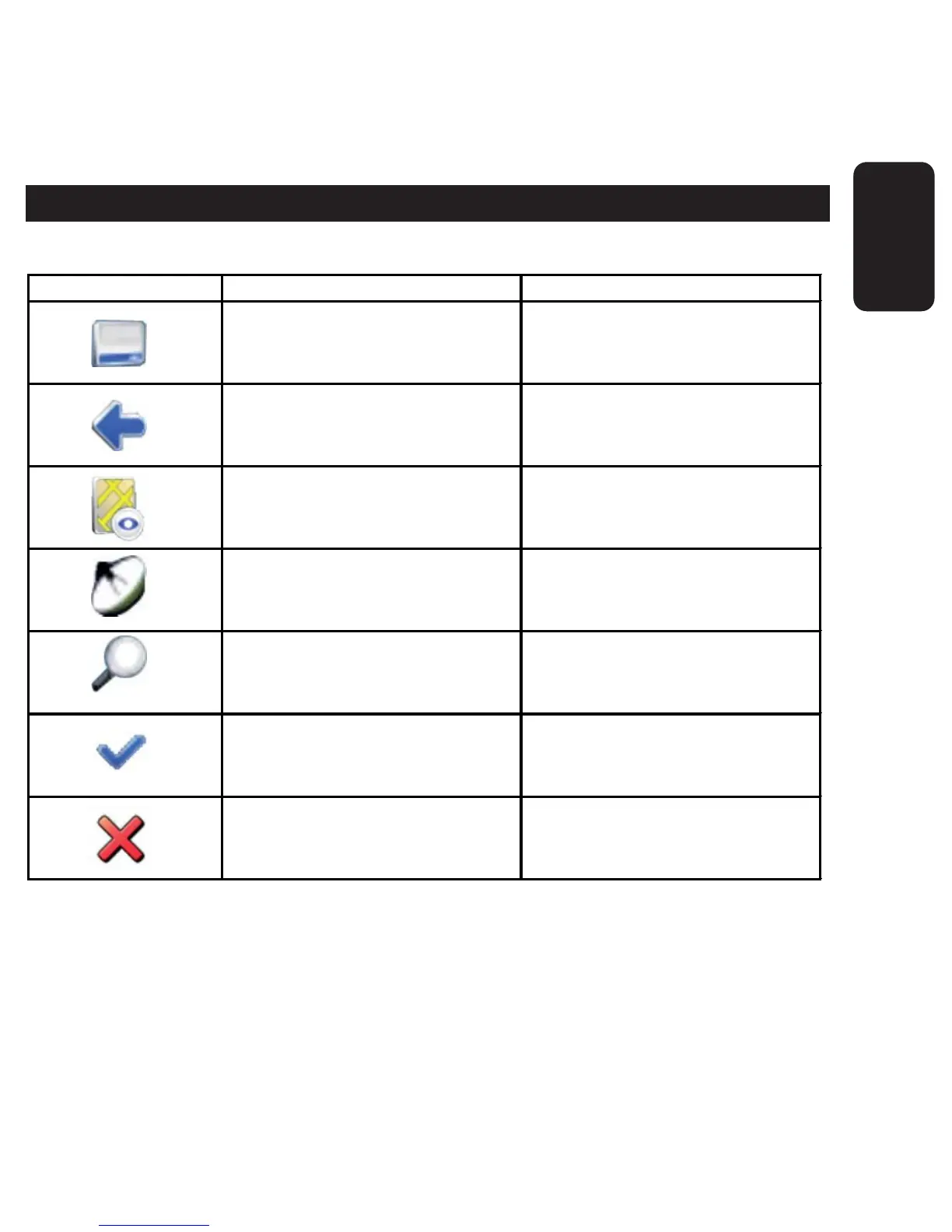
The following icons are used throughout the application:
Icon Name Function
Menu icon
Open a menu with various
options.
Back icon
Go back to the previous
screen.
Navigation icon Start navigation.
GPS icon
Availability/strength of GPS
signal.
Search icon Open a search screen
Confirmation icon
Apply settings. Select/deselect
all.
Cancel icon Cancel route calculation.



 To Next Page