ENGLISH
ENGLISH-75
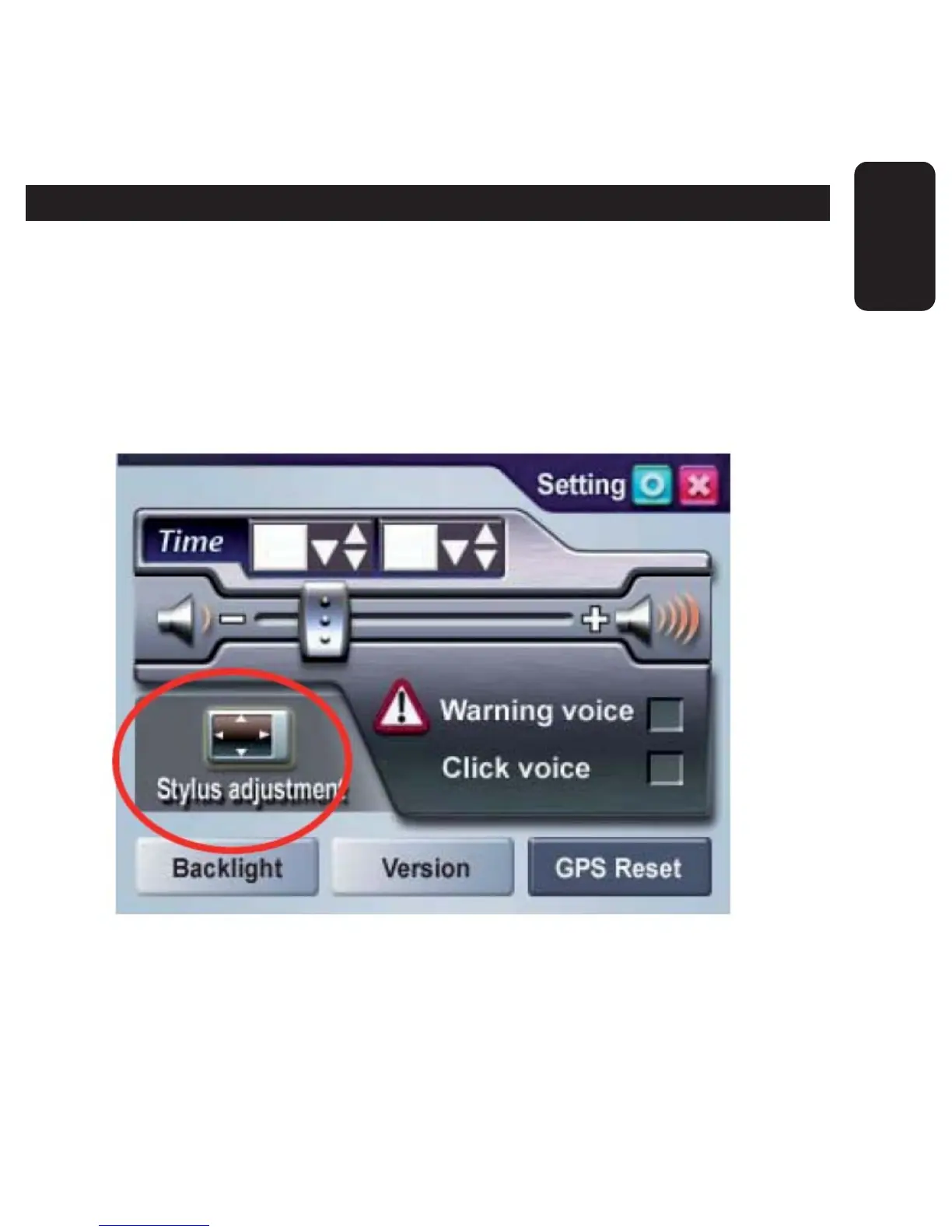
STYLUS ADJUSTMENT
Control of the unit is accomplished primarily through the stylus by
touching/writing on the screen. If the system cannot correctly identify
your stylus’ input, please run through the screen calibration procedure.
1. From the settings window, select Stylus Adjustment to start the
screen calibration procedure.



 To Next Page