ENGLISH
ENGLISH-63
IMAGE BROWSING FUNCTION
1.- The system has an Image Browsing function that is capable of
displaying images/photographs stored on SD memory cards.
All the fi les need to be stored under the Image directory, and the fi le
format needs to be “*.jpg”.
2.- Insert the SD memory card with stored image fi les into the SD
memory card slot on the unit.
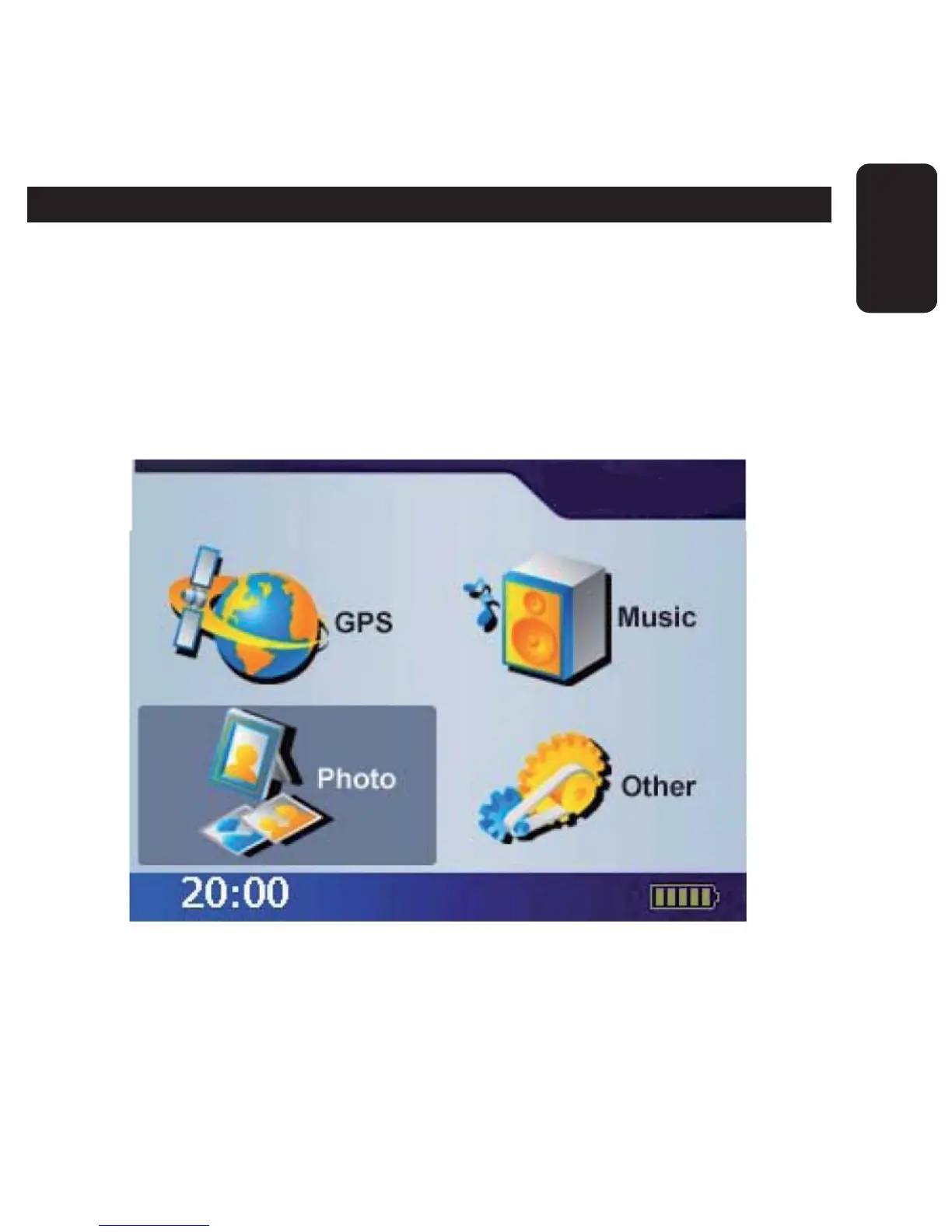
3.- Power on, and select Photo icon on Main Menu.
4.- The Image Browsing Window will appear.



 To Next Page