ENGLISH
ENGLISH-28
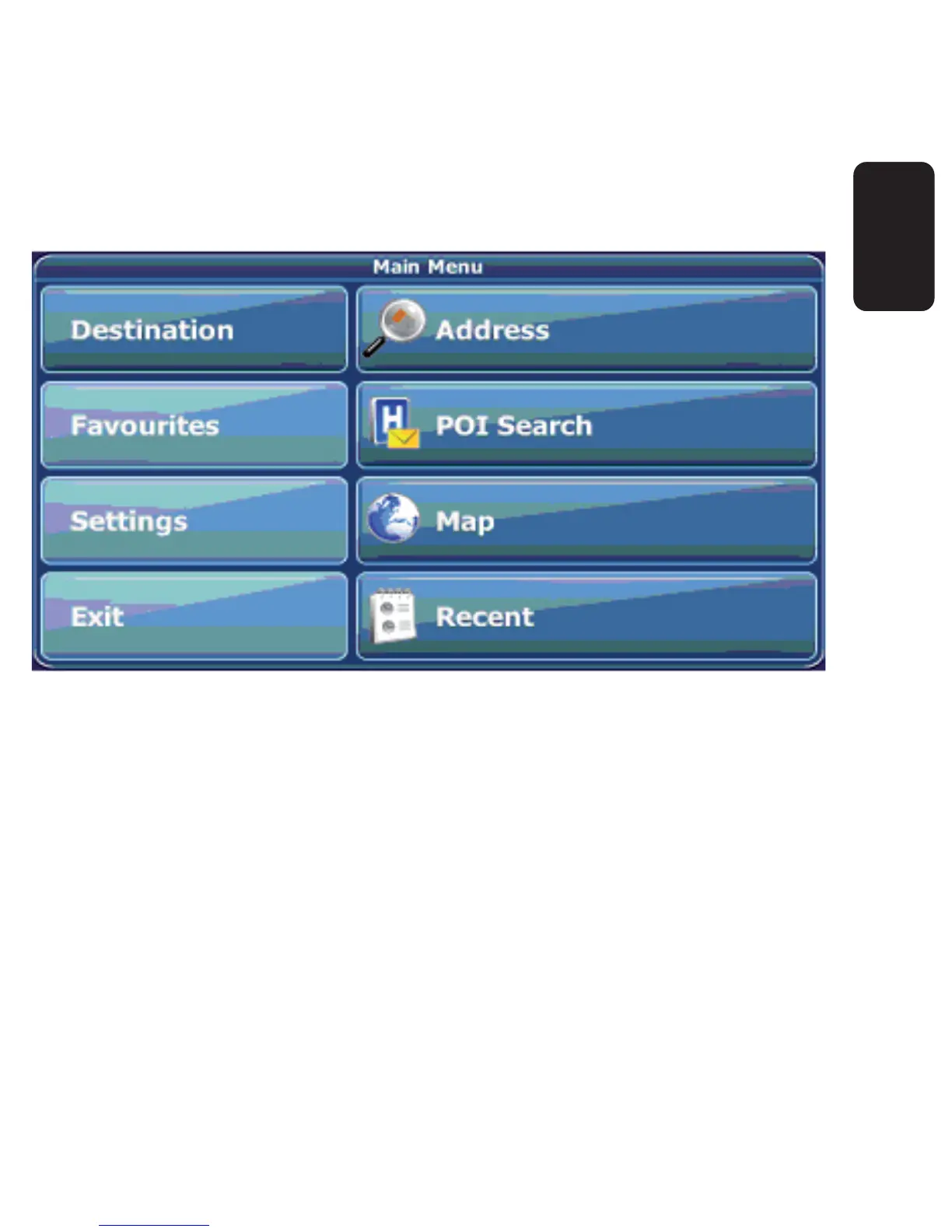
On the left hand panel, there are four large buttons:
Destination lets you choose your destination – either by searching
for an address (see page 34), choosing an entry from the POI
directory or a city guide (see page 40), selecting a location from the
map (see page 43) or a recently visited location (see page 48).
Favourites allows you to manage your favourites (like bookmarks,
recently visited locations, trips). You can rename, sort or delete
them (see page 44).
•
•



 To Next Page