ENGLISH
ENGLISH-45
Press Bookmarks.
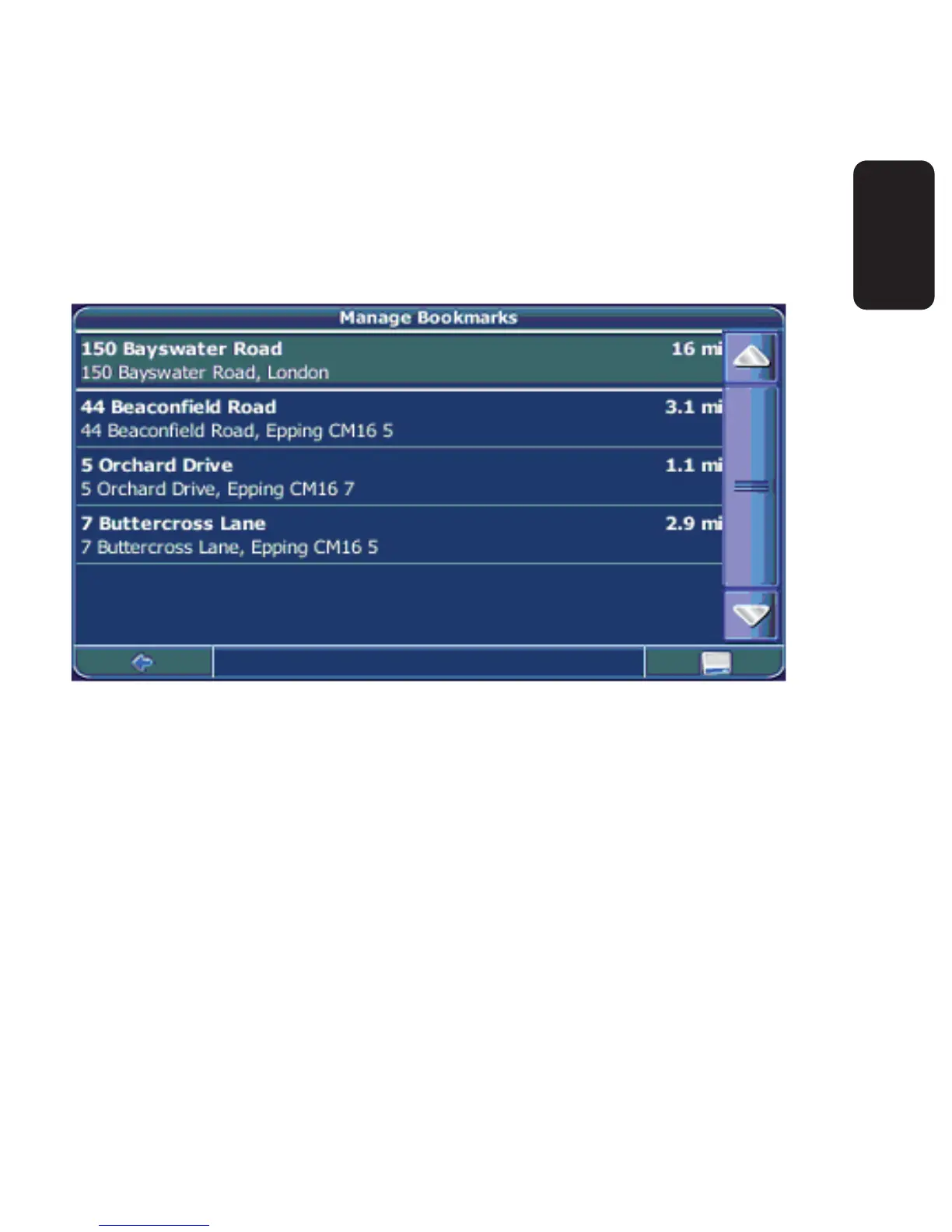
The bookmark list will show on the screen:
Use the up and down arrows to scroll up and down in the list.
Select an item by clicking on it.
A menu with a set of actions will be displayed:
To navigate to the location, press Navigate (see page 30).
To use the location for planning a route, press Via (see page 51).
To sort the list of location alphabetically, press Sort.
•
•
•
•
•



 To Next Page