ENGLISH
ENGLISH-52
The location will be added to the Destination List.
To add another stopover, press the + icon.
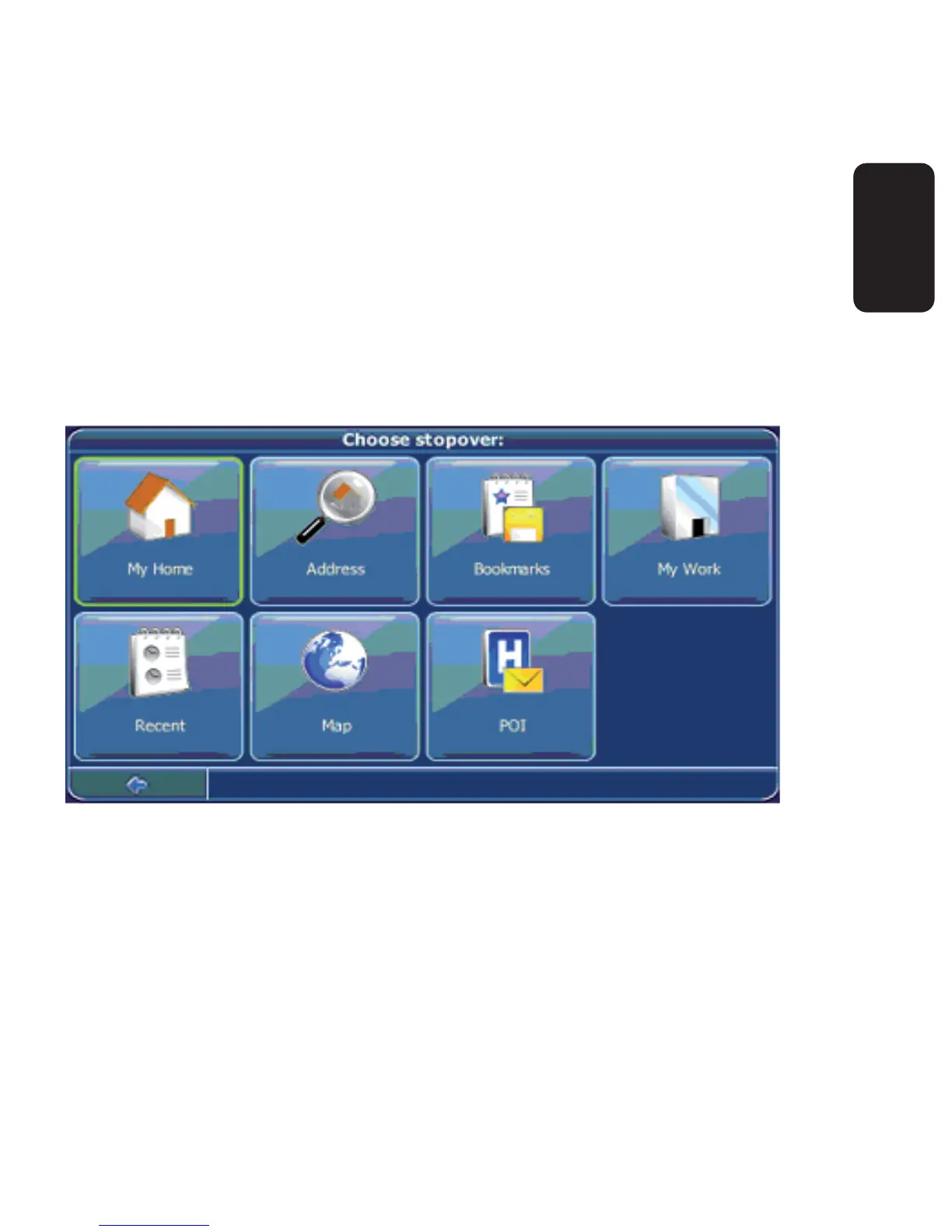
You will switch to the Choose stopover: screen. You may choose
stopovers like your home or work addresses, a bookmark, a point of
interest, a recent location or by searching for an address or pinpointing
a destination on the map.
Once you have added stopovers (with the + icon) and returned to the
Destination List, you have several options:
With the + icon you can choose additional stopovers.
To change the order of the stopovers, select a stopover and then
use the up and down arrows to move it up/down in the list.
With the trash icon you can delete a selected stopover.
•
•
•
•



 To Next Page