ENGLISH
ENGLISH-55
General settings
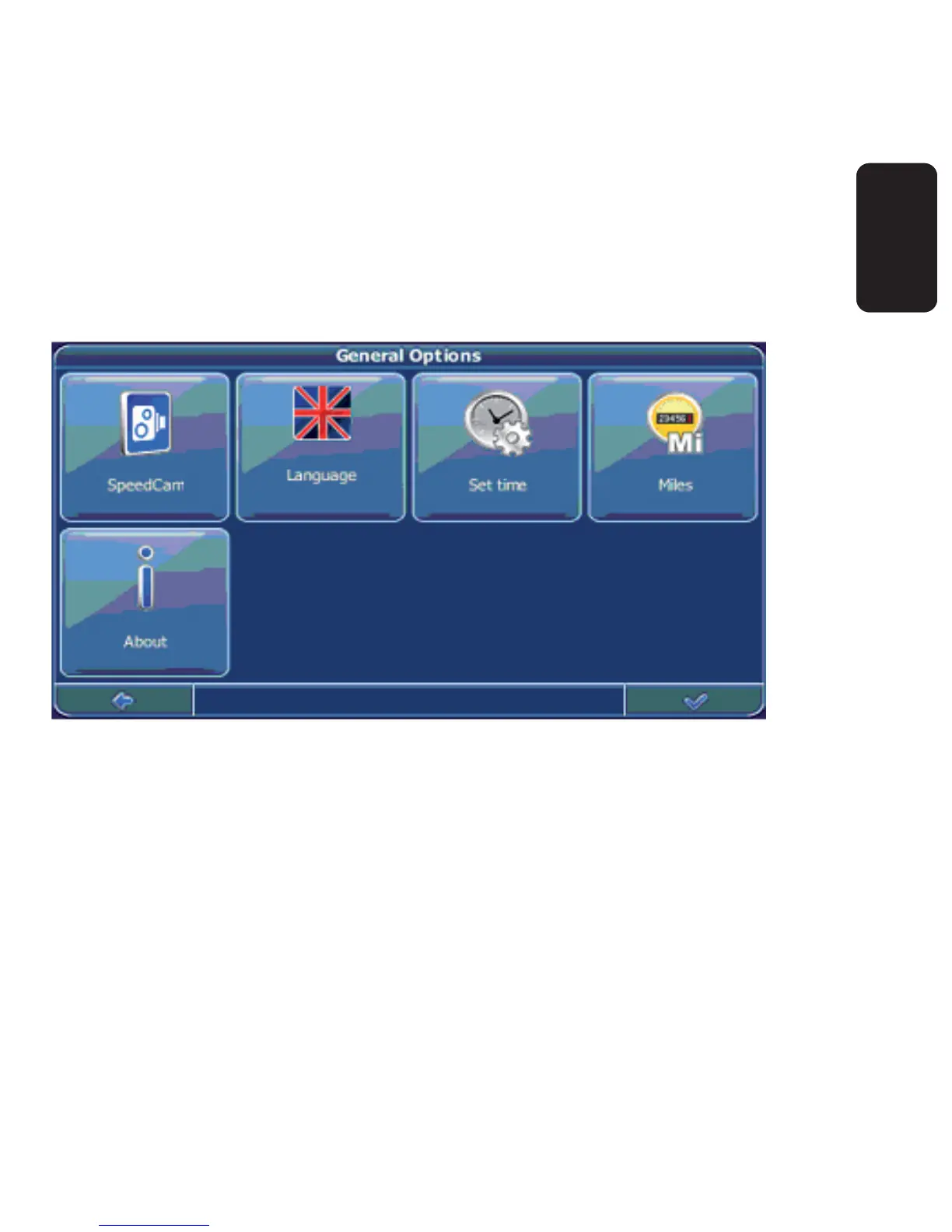
Choose General to change the general settings.
The window with the general settings will be shown:
To choose the language, press Language. You can choose from 11
different languages.
To change the time zone, press Set time.
To change the system of measurement, press Miles or Kilometres.
To show information about the application, press About.
•
•
•
•
•



 To Next Page