ENGLISH
ENGLISH-67
Video
Video can read the fi lm with the following data format: .wmv, .asf.
Please convert fi le into readable format and save them onto the SD
memory card in a folder named “fi lm”.
1.- Insert the SD memory card with Video fi les into the SD memory card
slot on the unit.
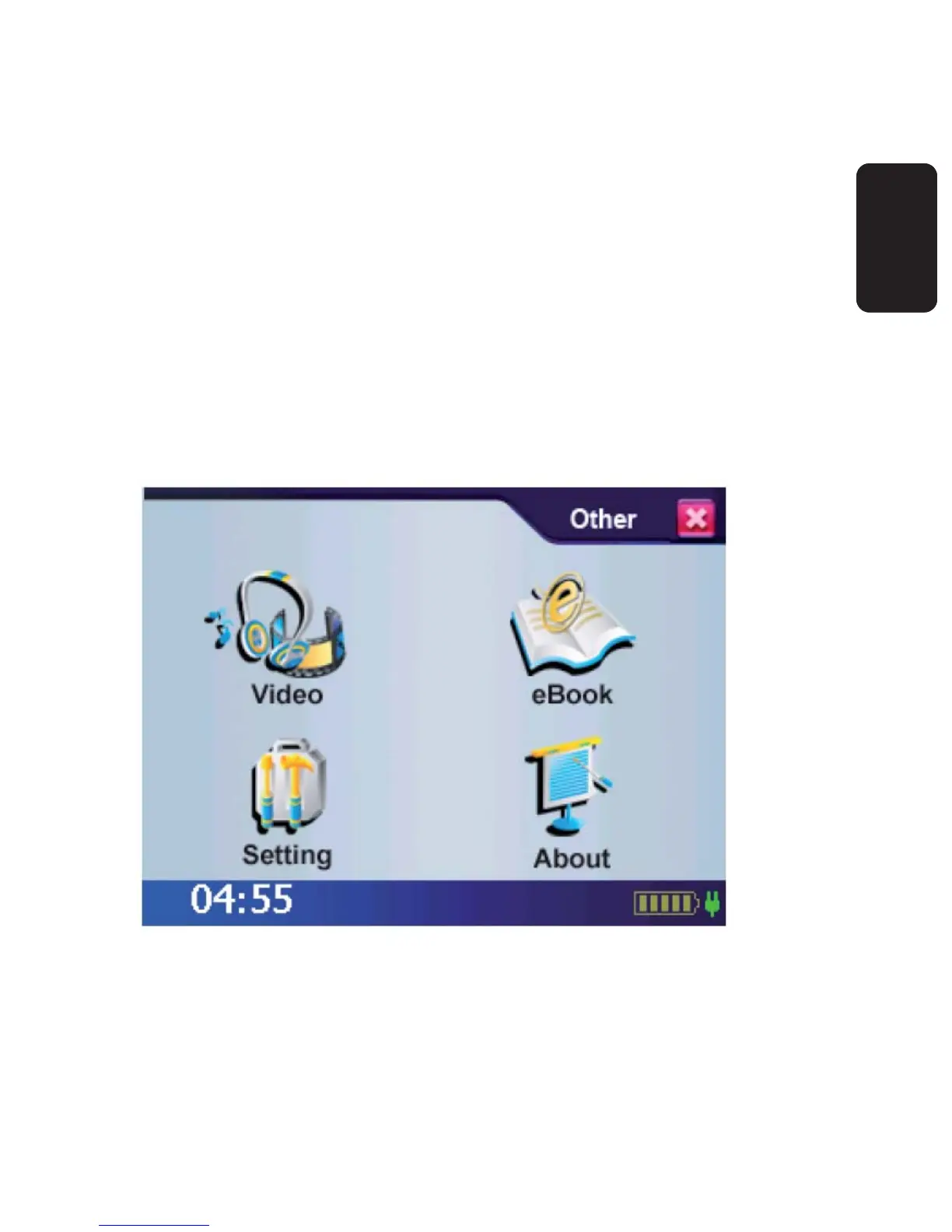
2.- Power on, and at the Main Menu Screen, select the [ Other ] icon.
3.- On the sub menu, select Video icon to enter.
4.- Use the arrow key right/left to forward/backward the fi lm.
5.- Press “X” to exit the fi lm viewer.



 To Next Page