EasyManua.ls Logo

stertil ST 1085-FWA - User Manual

Default Icon
154 pages
Print Icon
To Next Page IconTo Next Page
Loading...
© 2014 Stertil B.V. 38007850
V0
38007850
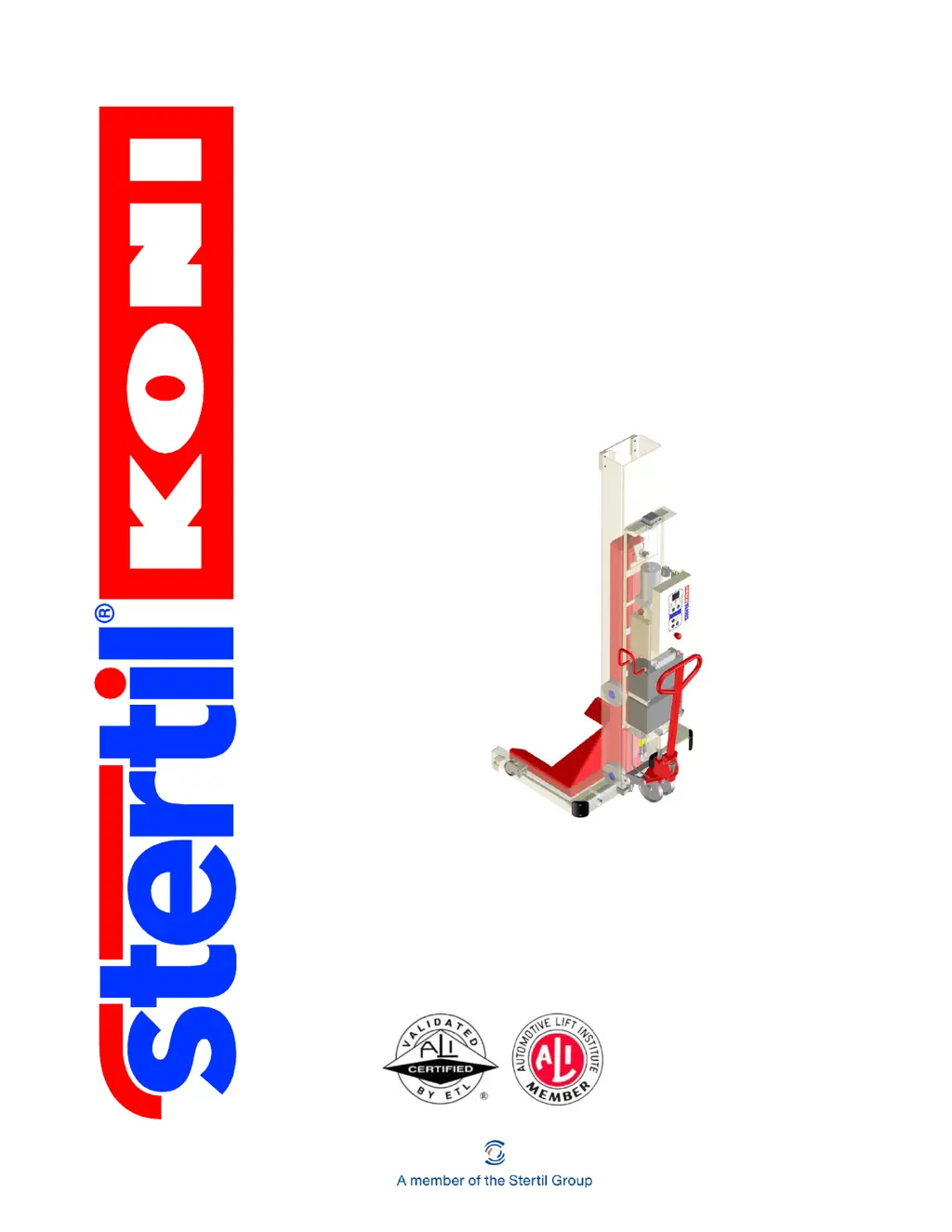
Operation & Service Manual
Wireless
ST 1065-FWF
ST 1075-FWF, FWG
ST 1085-FWA, FWG, RWA, RWG, VFWA, VFWG
ST 1100-FWA, FWG, RWA, RWG, VFWA, VFWG
Mobile Column Lift

Table of Contents

Questions and Answers

  • M
    Mr. Craig RodriguezSep 8, 2025
    How to fix 'RF module software version too low' on stertil ST 1085-FWA?
    • J
      Jamie KellySep 9, 2025
      If the RF module software version is too low on your stertil Lifting columns because another RF module is installed, fit an RF module with the right software.
  • E
    Erin CampbellAug 25, 2025
    What to do if stertil Lifting columns have low battery and no movements possible?
    • D
      Deborah GallagherAug 25, 2025
      If your stertil Lifting columns have low battery and no more movements are possible after more than 15 movements on a single battery charge, set the system to charging. Note that if this happens during lifting, the motor continues to run.
  • J
    John MillerAug 25, 2025
    What to do if stertil ST 1085-FWA have very low battery and no movements possible?
    • C
      cjonesAug 26, 2025
      If your stertil Lifting columns have very low battery and no more movements are possible after more than 15 raise actions on a single battery charge, set the system to charging.
  • S
    Sean JohnsonSep 22, 2025
    How to troubleshoot 'no communication with RF module' on stertil ST 1085-FWA Lifting columns?
    • J
      James WatsonSep 22, 2025
      If there is no communication with the RF module in your stertil Lifting columns because of loose wiring or a defective RF module, check the wiring or replace the RF module.
  • S
    shelby54Sep 9, 2025
    How to fix 'column software version too low' on stertil ST 1085-FWA Lifting columns?
    • D
      Donald RuizSep 9, 2025
      If the column software version is too low on your stertil Lifting columns because another PCB is installed, fit a PCB with the right software.
  • W
    Wanda EspinozaSep 14, 2025
    What to do if the motor relay is active on stertil ST 1085-FWA Lifting columns?
    • M
      Miguel StephensonSep 14, 2025
      If the motor relay is active on your stertil Lifting columns because the motor relay may have stuck, replace the motor relay.
  • J
    Jesse GardnerSep 3, 2025
    What causes no communication with a slave column on stertil ST 1085-FWA Lifting columns?
    • S
      Stephanie SampsonSep 4, 2025
      If there is no communication with a slave column in your stertil Lifting columns because the distance between the columns is too great or the time interval between messages is too great, reboot the system. If the fault occurs again, contact technical services.
  • D
    Danielle LynnSep 4, 2025
    What to do if stertil ST 1085-FWA Lifting columns show 'motor controller error'?
    • D
      Daniel PadillaSep 4, 2025
      If your stertil Lifting columns show a motor controller error because there is a fault in the motor controller, reset the fault by pressing the [SELECT] and [UNLOCK] buttons for 2 seconds. If the fault occurs again, please consult the service department.
  • T
    Todd RamosSep 23, 2025
    What to do if stertil Lifting columns show 'front key'?
    • T
      Tracy FloresSep 23, 2025
      If your stertil Lifting columns show 'front key' because a pushbutton was being pressed during startup, reboot.
  • V
    vicki48Aug 29, 2025
    Why are my stertil ST 1085-FWA 'waiting for communication'?
    • J
      Jessica AllenAug 29, 2025
      If your stertil Lifting columns are 'waiting for communication' due to wireless reception problems, wait for return of reception (max. 45 sec).

Summary

Safety

Hazards: Electrical

Provides precautions for working with electrical equipment and avoiding hazards.

Hazards: Mechanical

Advises on precautions when working with moving mechanical parts and equipment.

Hazards: Fall

Details precautions for preventing falls when working at heights.

General safety instructions

Provides overarching safety guidelines and adherence to local regulations.

Personnel

Defines requirements and restrictions for personnel operating the lift.

Safety instructions

Lists essential safety guidelines for operating, cleaning, and maintenance.

Manufacturers instructions to the lift owner;employer

Outlines responsibilities of owners/employers regarding lift operation and safety.

Safety features

Describes the built-in safety systems and monitoring functions of the lift.

Emergency stop

Explains the function and use of the emergency stop button.

Lock-out; tag-out

Introduces procedures to prevent accidental energy application during servicing.

Lock-out; tag-out procedure

Details the step-by-step process for implementing lock-out/tag-out.

Restoring the vehicle lift into service

Provides steps to safely return the lift to normal operation after maintenance.

Description

Technical specifications

Lists detailed technical data including lifting capacity, power, and dimensions.

Control system

Explains how the control system ensures synchronized lifting and safety.

Locking feature

Explains the mechanical safeguard that prevents the vehicle from falling.

Installation

Unpacking and setup

Provides instructions for unpacking and setting up each column lift.

Operation

Safety when hoisting

Outlines critical safety guidelines and permissible elevation differences.

Control box

Details the control box functions, including emergency shutdown and starting procedures.

Emergency shutdown button

Describes the function and use of the emergency shutdown button.

Starting and identification

Guides on powering up the system and identifying/linking columns.

Raising

Instructs on how to raise the column lifts using the control panel.

Lowering

Explains how to lower the column lifts using the control panel.

Lowering into the safety locks

Provides instructions for safely lowering the lifts into the safety locks.

Running procedures

Outlines the step-by-step procedures for preparing and running the lifts.

Preparations before operation

Lists checks and preparations required before operating the lifts.

Raising and lowering

Details the button combinations for raising and lowering columns and pairs.

Inspection and maintenance

Preparations before inspection and maintenance

Outlines essential steps before starting inspection or maintenance work.

Pay attention to safety

Stresses the importance of safety procedures during maintenance activities.

Daily checks by the user

Lists essential daily checks to be performed by the lift user.

Annual maintenance by the technical service

Specifies requirements for yearly inspections by authorized technical services.

Regular preventive maintenance procedures

Outlines scheduled procedures for maintaining lift condition and reliability.

Checking the emergency shutdown mechanism

Describes the procedure to test the emergency shutdown mechanism.

Checking the safety locking feature

Explains how to check and adjust the safety locking feature.

Troubleshooting

Error messages

Explains how error messages are displayed and the meaning of fault indicators.

Warnings

Lists warning codes, their causes, and solutions to restore normal system status.

Error reports

Details specific error codes, their possible causes, and recommended solutions.

Fault messages

Describes fault messages related to communication and network issues.

Faults

Provides a guide for localizing and resolving various operational faults.

The column lift cannot be raised

Diagnoses and provides solutions for issues preventing the lift from raising.

The column lift cannot be lowered

Diagnoses and provides solutions for issues preventing the lift from lowering.

The column lift lowers all by itself

Addresses issues causing the column lift to lower unintentionally.

The column lift is not raised far enough

Provides solutions for situations where the lift does not reach the required height.

No battery power

Troubleshoots power issues related to batteries and fuses.

No control voltage

Diagnoses problems related to the absence of control voltage.

Emergency lowering facility

Explains the procedure for manual lowering in emergency situations.

Technical support

Directs users to contact local service departments or the Stertil website.

APPENDICES

Electrical diagram for control cabinet

Detailed electrical schematic for the control cabinet.

Hydraulics diagram

Schematic diagram illustrating the hydraulic system's components and flow.

stertil ST 1085-FWA Specifications

General IconGeneral
Capacity per column8500 kg
Lifting height1, 750 mm
Power supply230V/400V, 50 Hz
ControllerWireless
Load Capacity8500 kg per column
Protection ClassIP 54
Total system capacity34000 kg

Related product manuals