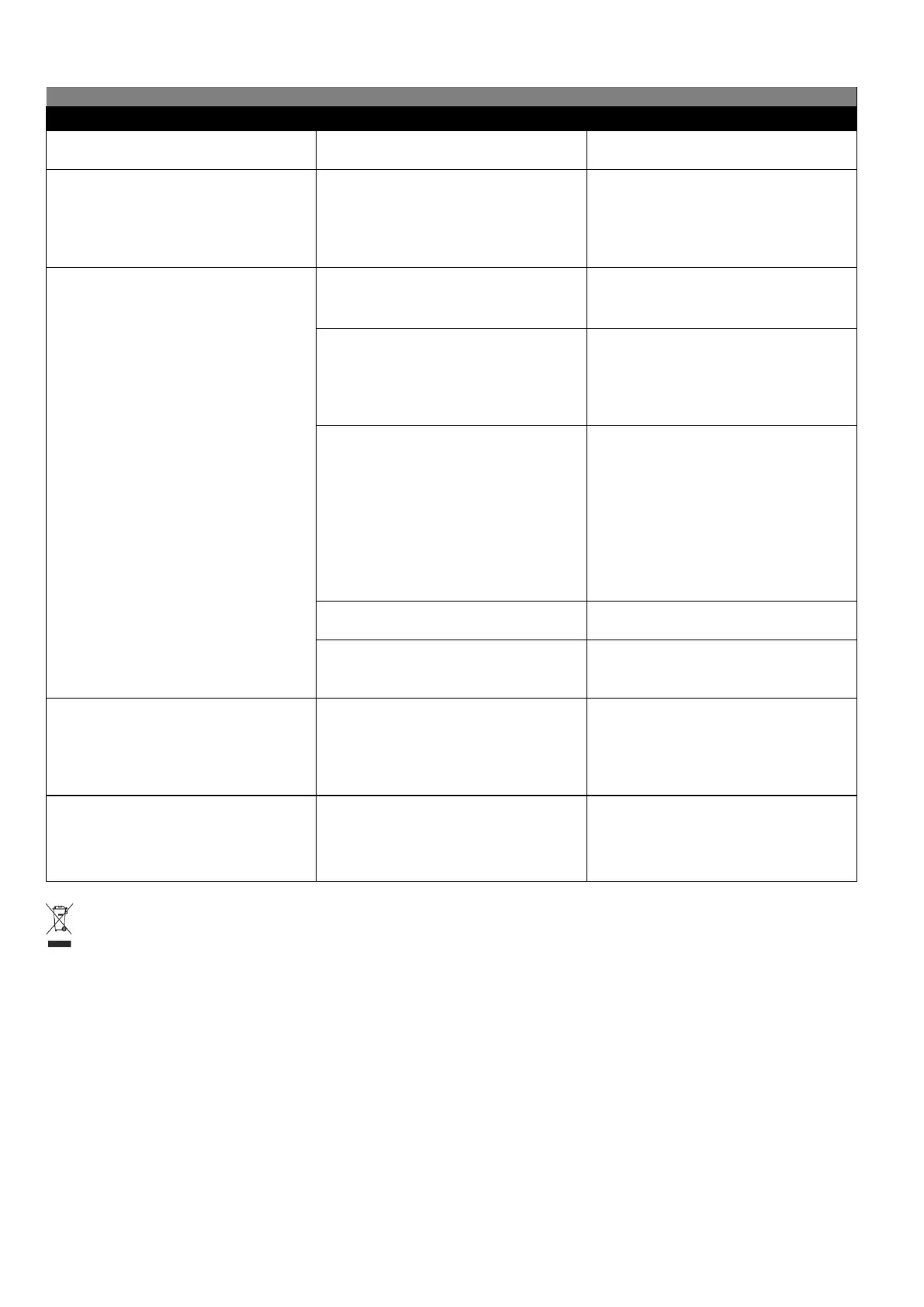
IMPORTANT INFORMATION FOR CORRECT DISPOSAL OF THE PRODUCT IN ACCORDANCE WITH EC
DIRECTIVE 2002/96/EC.
At the end of its working life, the product must not be disposed of as urban waste. It must be taken to a special local
authority differentiated waste collection center or to a dealer providing this service.
Disposing of a household appliance separately avoids possible negative consequences for the environment and health,
deriving from inappropriate disposal and enables the constituent materials to be recovered to obtain significant savings
in energy and resources. As a reminder of the need to dispose of household appliances separately, the product is marked
with a crossed-out wheeled dustbin.
The appliance has
switched off
The appliance will turn off automatically
after 10 minutes if no steam spray out from
Press down the power switch, the power
indicator turns on.
Dirty water and mineral deposits come
out of the
soleplate or the
soleplate is dirty.
Calcium particles and minerals present
in the water have deposited in
the steam holes and/or inside the
appliance.
Use a damp cloth to clean the soleplate.
Descale the appliance by following the
operation in paragraph “CLEANING AND
MAINTENANCE”.
There is not enough water in
the water tank.
Fill the water tank with water.
The appliance is not hot
enough to produce steam.
Wait until the temperature indicator
extinguish and the indicator of the
defaulted steam rate changes from flashing
to illuminating.
Τhe appliance is into energy-saving mode.
This happens when you don't press the
steam button within 9 minutes or you press
the steam button instantly (less than 2
seconds).
To exit from energy-saving mode, hold and
press the steam trigger for more than 2
seconds. The indicator of selected steam
rate will start blinking and the iron's
temperature indicator will illuminate. After
30 seconds the selected steam rate will stop
blinking and the iron's temperature
indicator will turn off. You can start ironing.
The water tank is not placed correctly. Reposition the water tank properly.
The appliance is not switched
on.
Connect the plug to wall outlet and press
down the power switch.
The appliance
produces a
pumping sound
Τhe sound tells you that water is pumped
into the boiler.
If the pumping sound does not stop,
switch off the appliance and remove the
plug from the wall socket. Contact the
authorized service center.
Water drops come out of the soleplate
There may be dripping water during
spraying steam when the temperature is set
at the second setting (●●) or lower than the
second setting (●●) .
For steam ironing, turn temperature dial
within the steam section, as shown in the
TEMPERATURE DIAL paragraph.
The appliance
does not produce
steam.


 To Next Page
 Loading...