SatLink VSAT User Guide
Publication no. 101557
Copyright © 2009 – STM Group, Inc.
Page 28 (160)
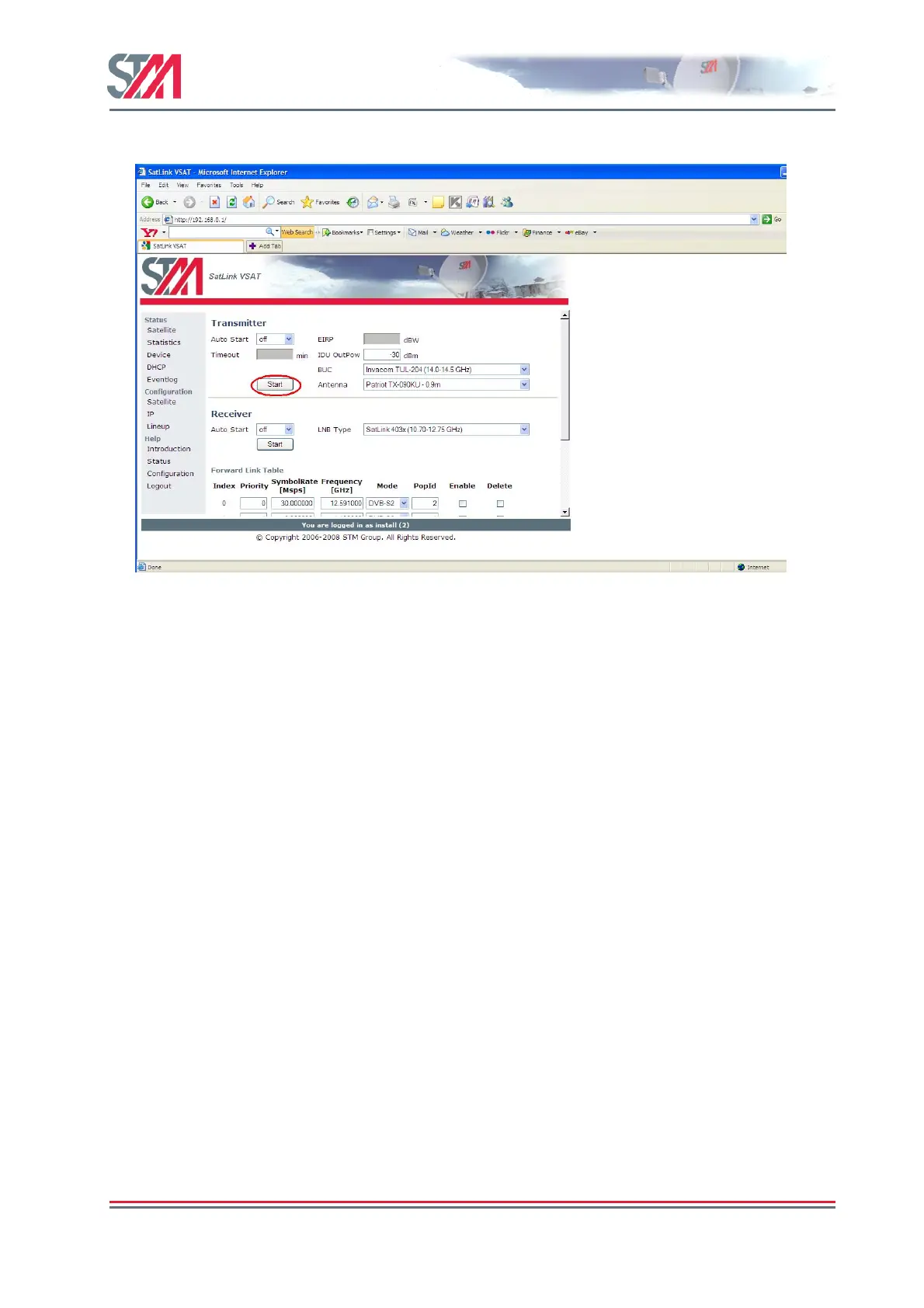
2) Start the transmitter by clicking on the Start button and logon to the DVB-RCS network.
Figure 24 : Transmitter Configuration
3) Click the Save button to save the configuration.
4) To test the connection to the Hub, Select Satellite under Status option on the Satlink Web interface
home page.This displays the Satellite Interface Status page.
5) If the proper connection is established to the Hub, the following status will be displayed on the
Satellite Iterface Status page: -
State : - “Two-way link established"
Transmitter : - "On"
Receiver : - "On"



 To Next Page