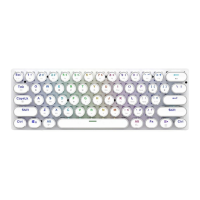
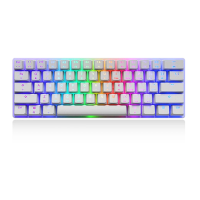
Multimedia and Function Keys
4. FN+PRINT — 6 KEY and full Key switch (Default non-conflict full key,
N indicating light on the upper right corner)
5. FN+HOME — Backlight recording mode,backlight customization available
6. FN+← — Change the backlight flow direction
7. FN+→ — Switch to the next color
8. FN+SPACE一 Turn on palette mode, each key represents a different color,
select the corresponding key to replace the backlight theme color
9. FN+DEL 一 4 gaming mode lights(in loop, defined by FN + HOME)
① Multimedia keys Home Page lighting: A、S、D、W、↑、↓、←、→LED
Lighting
② Multimedia keys computer lighting: ESC、TAB、SHIFT_L、CTRL_L、1、
2、3、4、5、Q、W、E、R、A、S、D、F、G、SPACE LED
③ Multimedia keys mail lighting: ESC、~、1、2、3、4、TAB、Q、W、P、A、
S、 D、F、G、V、B、CTRL_L、SPACE LED
④ Multimedia keys music lighting: ESC、1、2、3、4、5、6、TAB、W、A、S、
D、 F、K、Z、X、V、B、CTRL_L、SPACE LED
Left knob function description: 6 Features
A: Turn right to weaken backlight, the indicator on the upper right corner
flashes when limit reached
B: Turn left to enhance backlight, the indicator on the upper right corner flas
hes when limit reached
C: Press to switch backlight mode (18 lighting mode cycle)
D: Press and turn left to speed up backlight, the indicator on the upper right
corner flashes when limit reached
E: Press and turn right to slow down backlight, the indicator on the upper rig
ht corner flashes when limit reached
F: Long press for 4 seconds to turn off/on backlight
02



 To Next Page