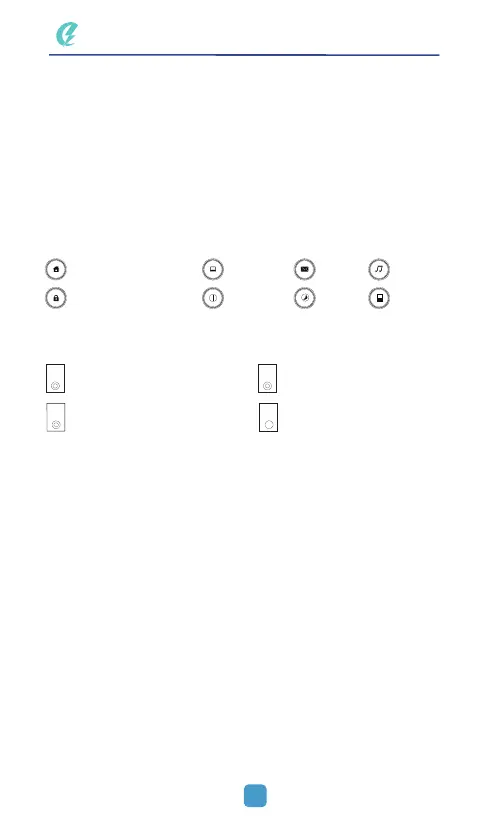
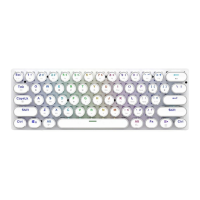
Keyboard Indicator Description
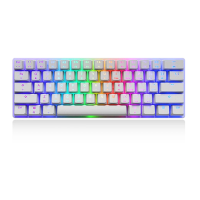
Backlight Recording Guide
Right knob function description: 6 features
A: Turn left to switch to the previous song
B: Turn right to switch to the next song
C: Press and turn left to decrease volume
D: press and turn right to increase volume
E: Press to pause/play
F: Long press for 4 seconds to turn off/on the sound
Set the bottom switch to ON to turn on LED backlight; switch to OFF to turn
off LED backlight
1、Press FN+DEL for gaming backlight
2、Press FN+HOME, function indicator flashing, recording mode on
3、When recording, press FN+→
, and then switch to the intended LED {Color
Description:FN+— First =Red;Second =Orange;Third=Yellow;Fourth=
Green;Fifth=Cyan;Sixth=Blue,Seventh=Purple;Eighth=White;Ninth=
Colorless(used to deselect backlight, with corresponding color indication in ~
key)}
4、Repeat step 3 to set other LEDs.
5、After setting, press FN+HOME again to save the recorded backlight (previo
us backlight is replaced)
Home Page
Caps Lock Switch Scorll Lock Switch
Lock Win/Open Win Switch
6-Key/N-key Switch
Lock/Open Keyboard
Computer
Turn off
Mail
Sleep
Music
Calculator
03
A
S
W
N



 To Next Page