2、battery charge
3、Install SIM card, memory card, battery
Use the travel charger
Insert the small end plug of the USB cable into the host TYPE-C connector,
insert the big end plug of the USB cable into the travel charging plug, and
then plug the travel charging plug into the power socket for charging.
Charging with a USB cable
Plug the small end plug of the USB cable into the host TYPE-C connector
and plug the big end plug into the computer's USB port for charging.
Turn off the power of the main unit before installing or removing the SIM card,
memory card, or battery.
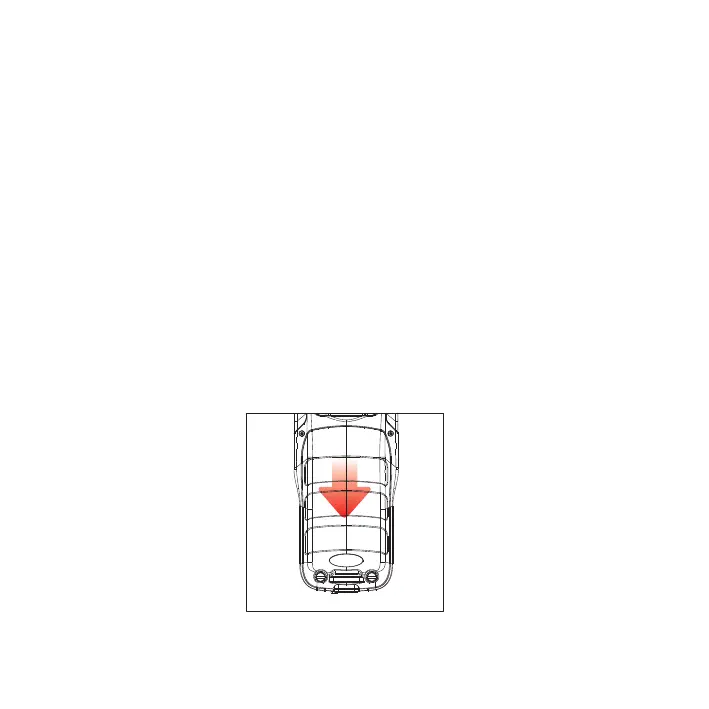
Turn the main unit to the back and push the back cover to the open position as
indicated in Figure 1. Remove the battery compartment cover and install the SIM
card and TF card according to the battery compartment label, as shown in Figure 1.
Figure 1
3


 To Next Page