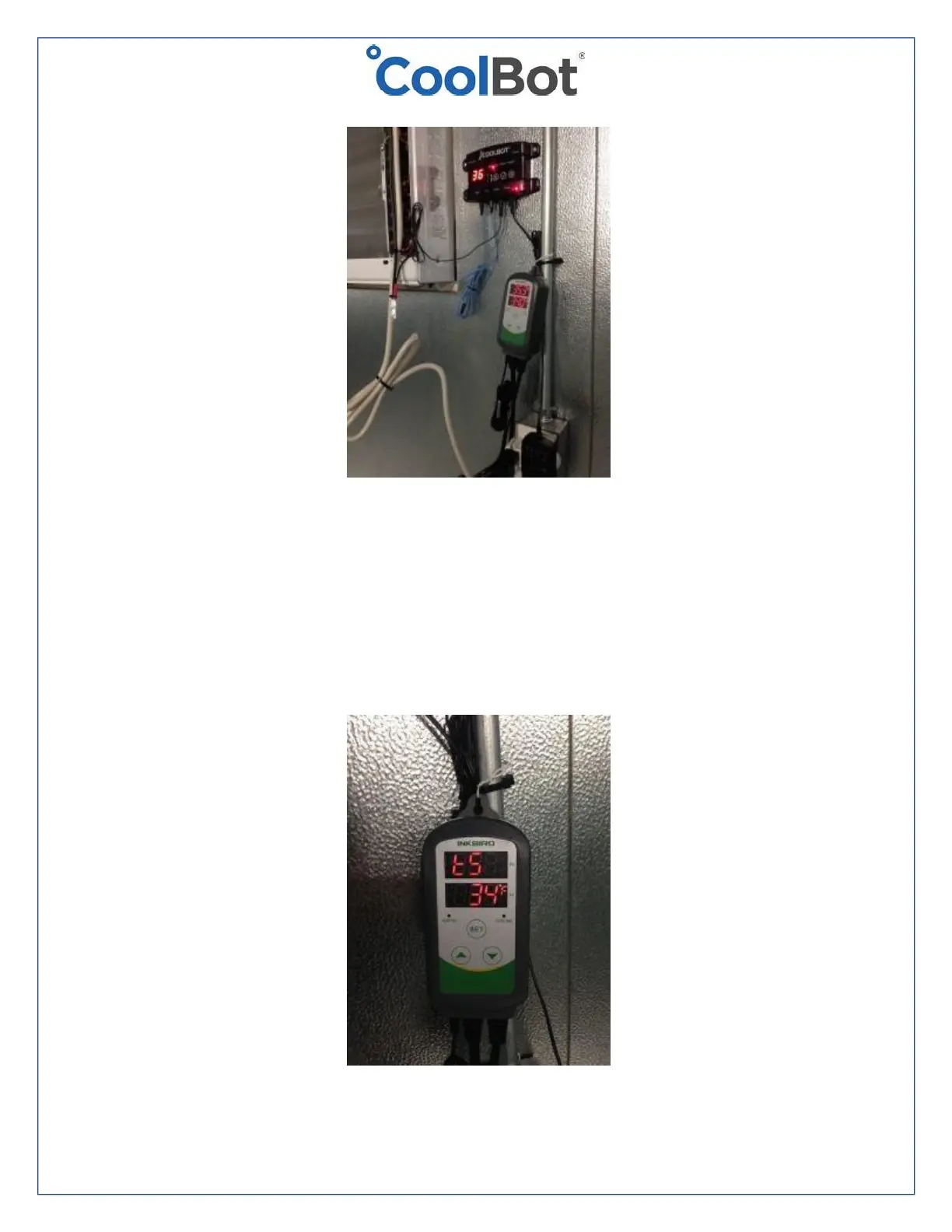
• If your INKBIRD Temperature display (the number at the top – labeled PV) is
different from the one displaying on the CoolBot, adjust the Temperature
Calibration (CA) of the INKBIRD sensor by following the instructions on the
INKBIRD manual. The objective is to have both sensors reading almost the same
temperature (within 1°F is ok).
• Adjust the Setting Value (SV) temperature on your INKBIRD to 34°F/1.1°C
following the instructions in the INKBIRD manual.





 To Next Page