SUPPORT@STOREITCOLD.COM
2020 © Store It Cold, LLC. 13 Rev 2020-8A. All Rights Reserved.
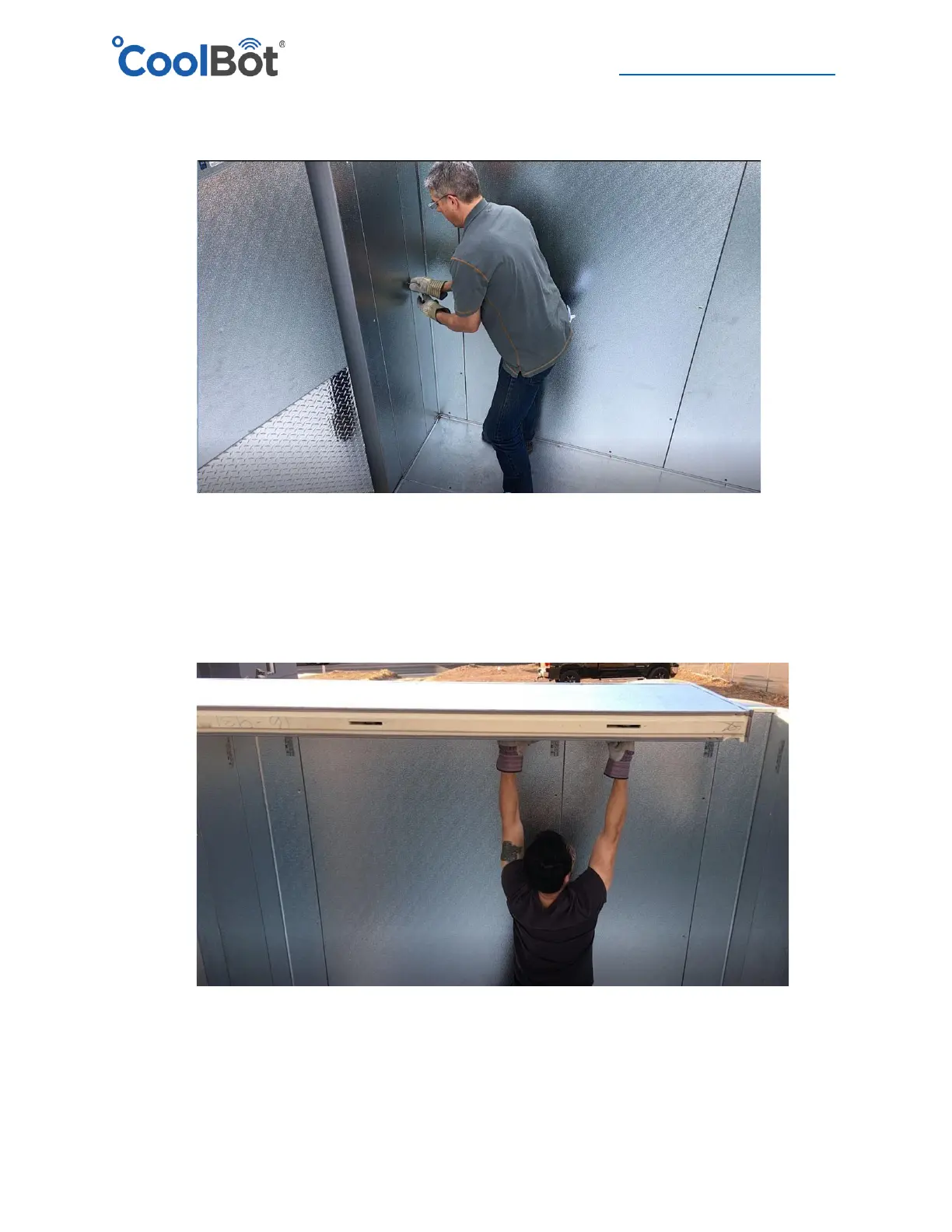
9. Close the wall enclosure by installing the last wall panel and give a last check around your
box to make sure all surfaces are flush and the top edges of the walls are all level.
10. Select the first ceiling panel from your Set-up drawing and place it on the corresponding side
of the cooler indicated in the drawing. Ensure that it sits properly on all the tongue and
groove edges and that it is flush with the corners and walls on the outside.





 To Next Page