SUPPORT@STOREITCOLD.COM
2020 © Store It Cold, LLC. 16 Rev 2020-8A. All Rights Reserved.
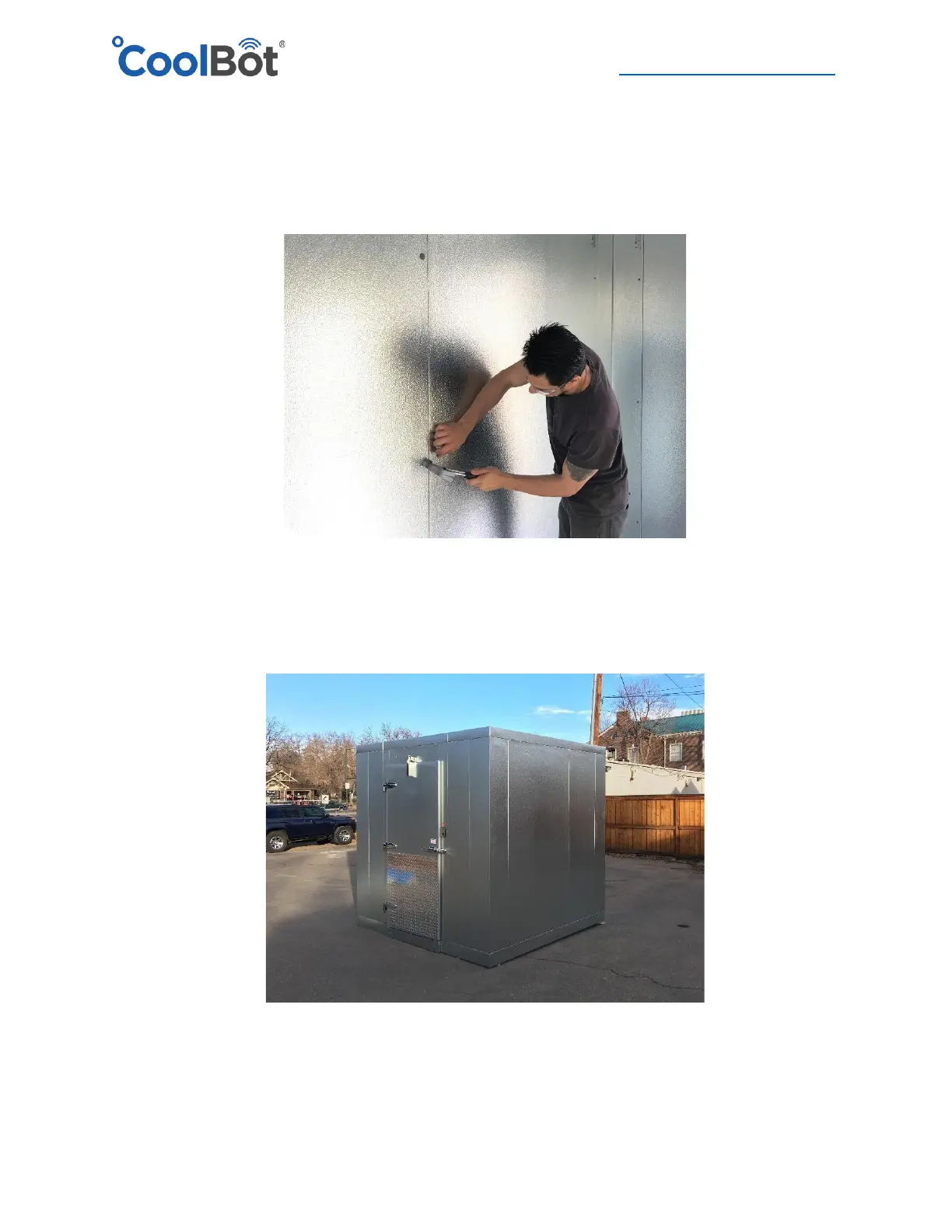
15. Cover wrench holes with the plastic buttons provided in the installation kit. Use a plastic or
regular hammer to gently tap them in place. If the plastic button is falling because the hole
was bored a bit bigger you can use a small amount of silicone on the back of the button, to
keep the plastic cover in place
16. Enclosure Set-up finished.
17. Last Steps on pages 17 (coolers with floor) & 18 (coolers with no floor).





 To Next Page