6
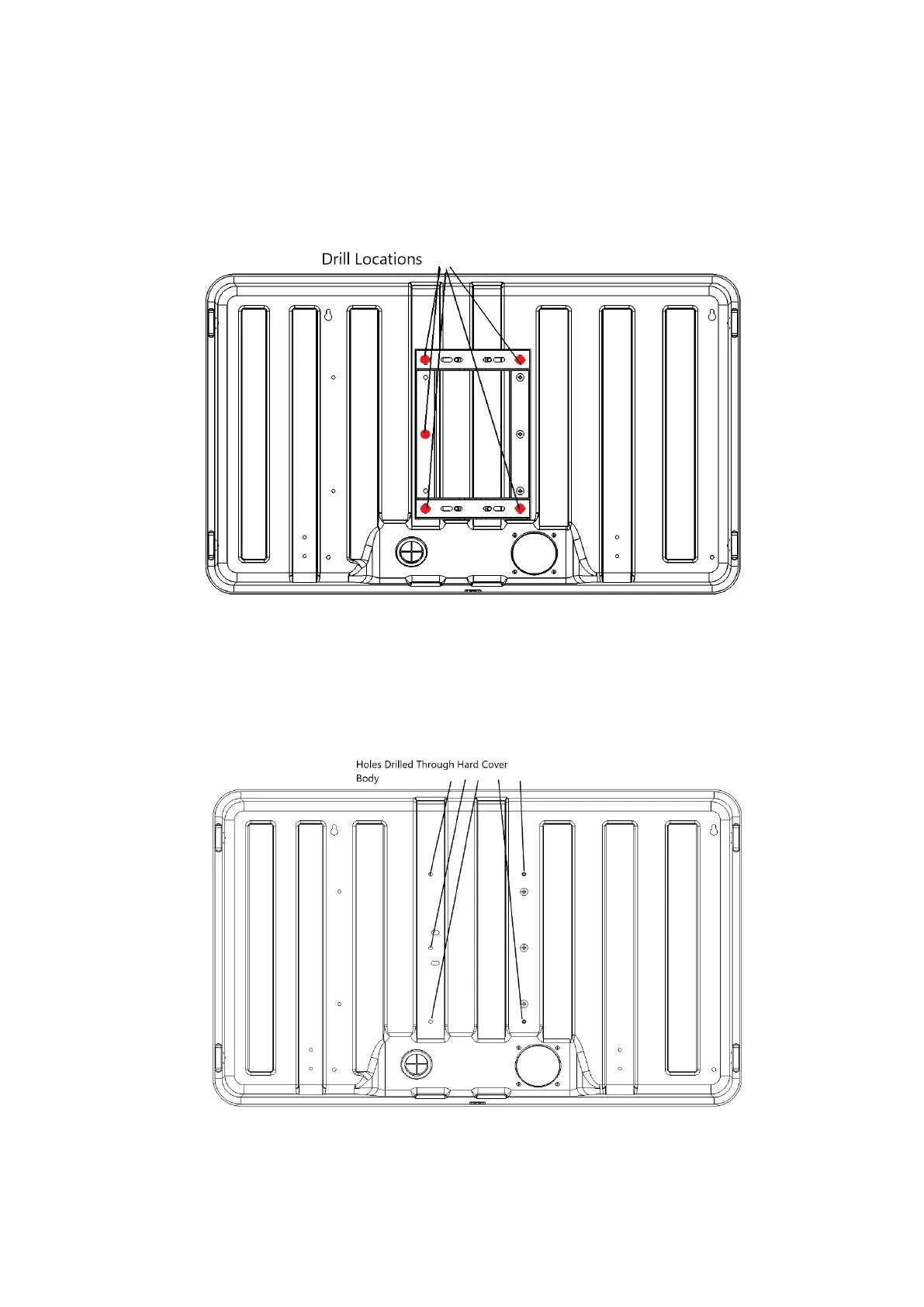
Figure 4a
2. With Pole Mount Bracket Lying Flat against Storm Shell Back, mark (5) drill locations (Figure
4b). Use Bubble Level to ensure the Pole Mount Bracket is level. (if (3) bolts were assembled
prior to marking drill locations, dis-assemble (3) M8 bolts) Next, remove Pole Mount Bracket
and use ¼” drill bit in Electric Drill to drill through body of Storm Shell TV Hard Cover (Figure
4c).
Figure 4b
Figure 4c



 To Next Page