17
De-activating Child Lock
1. Press the On/Off key
2. L will be displayed on all Cook Zones
3. Simultaneously touch the right hand front (RHF)
cook zone and the down [-] key, the hob should
beep.
4. Remove fingers and touch the down [-] key again.
(The hob should switch off).
When you now switch on the hob “0” will be displayed
in all cook zone displays, the hob can now be used
normally.
Setting the minute minder
1. Turn on the hob, using the on/off key.
2. Please ensure that no cook zones have been
selected.
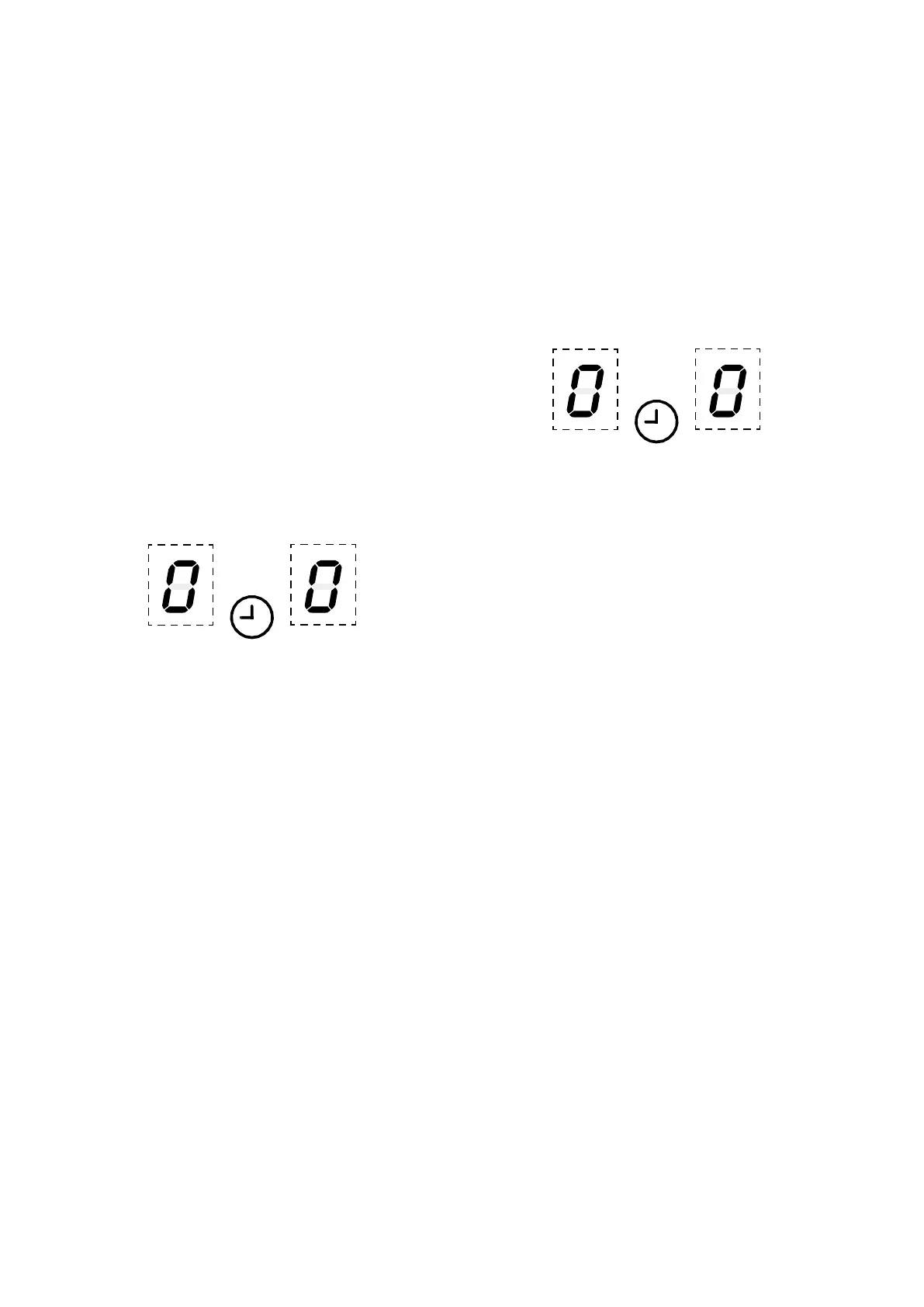
3. Select the minute minder by pressing the up [+]
and down [-] keys simultaneously – the display
will show 00.
4. Set the minute minder by pressing the up [+] and
down [-] keys.
You can now use the hob as normal.
4
Pressing down [-] first sets the timer to
30 minutes. This can then be adjusted
using the up [+] and down [-] keys.
4
The maximum time that can be set is 99
minutes.
4
If the hob is turned off then minute
minder operation is shown by flashing
dots on the display.
When the time is up.
When the time is up, the timer display will flash, beep
and the cook zone will automatically switch off. Touch
any key to stop the beeping.
To modify or cancel the minute minder
Repeat the same steps for “Setting the minute minder”
to modify the time. Setting back to zero will cancel the
minute minder.
Timer auto switch off
1. Select the cook zone to be timed, ensuring power
level is already set before selecting timer.
2. Select the timer by pressing the up [+] and down
[-] keys simultaneously – the timer display will
show 00
3. Set the timer by pressing the up [+] and down [-]
keys.
4
Pressing down [-] first sets the timer to
30 minutes. This can then be adjusted
using the up [+] and down [-] keys.
4
The timer indicator in the display stops
flashing and is not displayed. Operation
of a timer is shown by a stationary dot in
the cook zone display for the timed cook
zone.
When the time is up.
When the time is up, the timer display will flash, beep
and the cook zone will automatically switch off. Touch
any key to stop the beeping.
To modify or cancel the auto switch off
To modify or cancel a timer follow steps 1 to 4 above in
“To operate”. Setting back to zero will cancel the timer.



 To Next Page