IPT2008-SDL LCD Features
Info ManagerTM
102 Strata CIX and CTX IPT/DKT Telephone 11/06
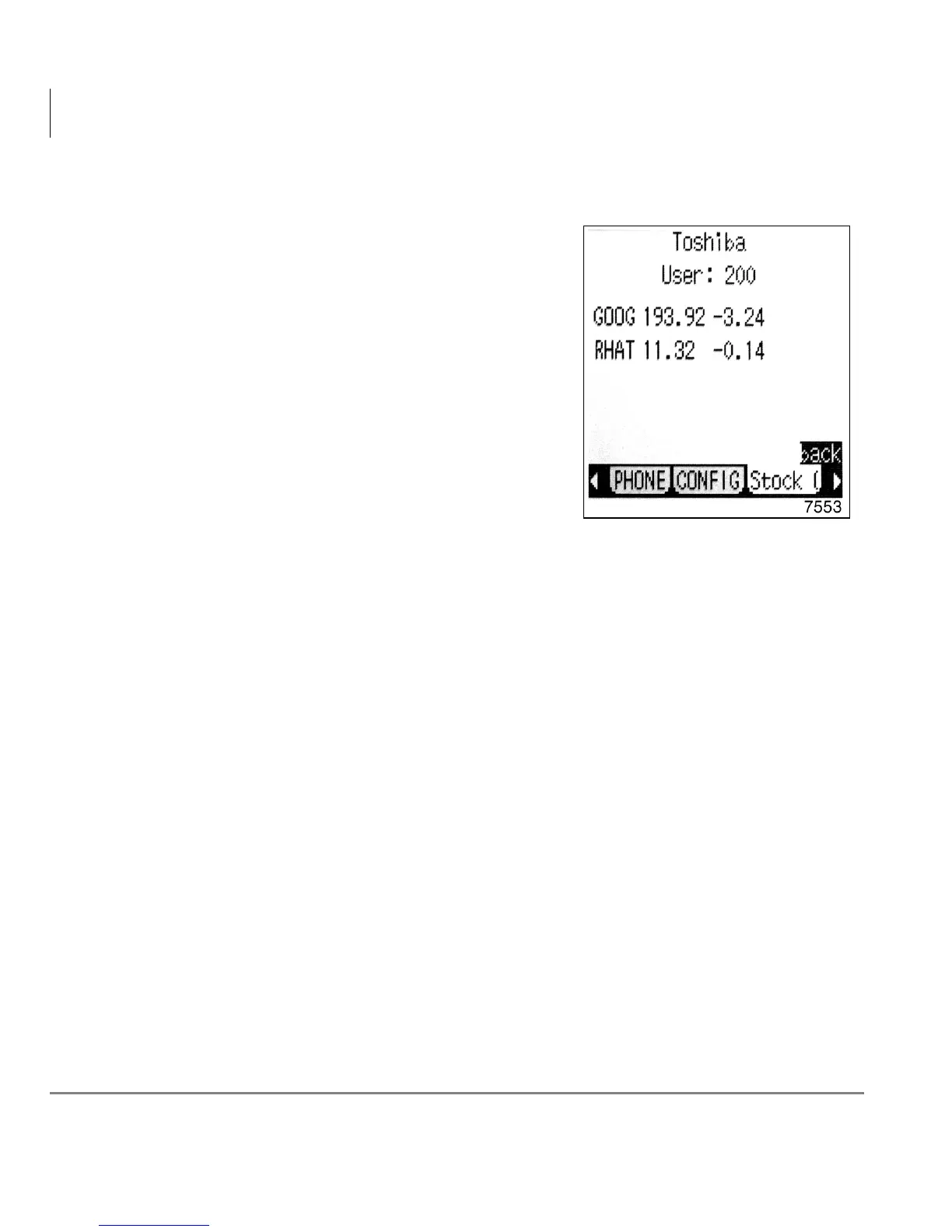
Stocks
From the Options screen, press the Stocks soft
key to view a list of stock quotes.
Note To add or remove stock quotes, see
“Adding and Removing Stock Quotes,
Company News and Weather” on page
108.



 To Next Page