The Grand Tour
IPT2000-series Telephones
4 Strata CIX and CTX IPT/DKT Telephone 11/06
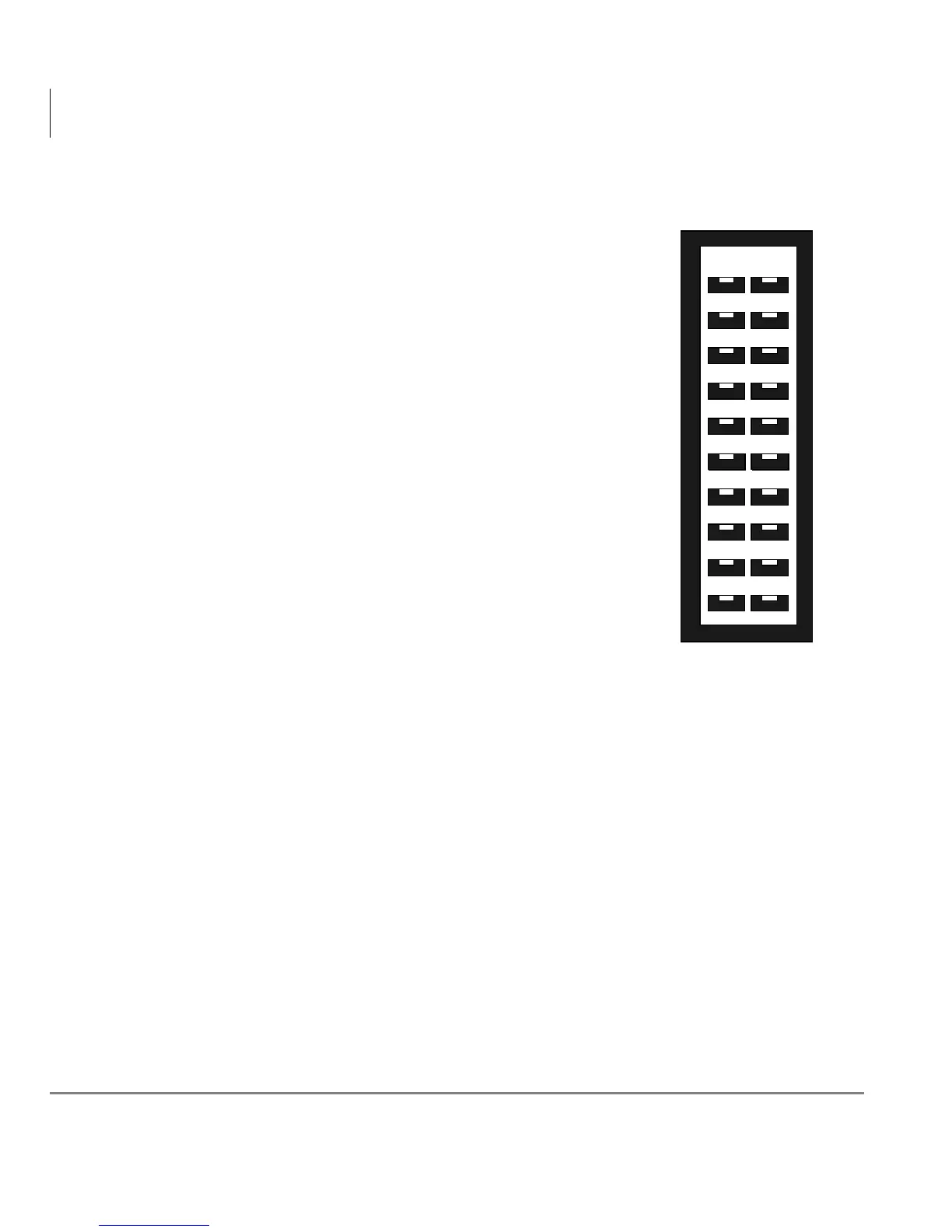
Flexible Buttons
Your IPT can have 10 or 20 flexible buttons (Figure on
page 2) and the DKTs can have either 10, 14, or 20
flexible buttons that can be programmed to do many
button functions, including:
• Line is used to access an outside line.
• Primary Extension is your extension button.
• Pooled Line Group enables you to access
available outside lines from a group of lines
appearing under one button.
• Feature Access Buttons enables you to store
features onto a single button.
• One Touch Buttons are used for storing Speed
Dial numbers or feature access code sequences onto
a single button.
• Voice Mail Call Monitor lets you listen to a caller
while the caller records a message in your voice
mailbox.
Note Flexible buttons (FB) are numbered bottom up.
See Table 18 on page 145 for a complete list of
Feature Access Buttons and One Touch Buttons.
FB11
FB20
FB12
FB13
FB14
FB15
FB16
FB17
FB18
FB19
FB01
FB10
FB02
FB03
FB04
FB05
FB06
FB07
FB08
FB09
Flexible Button Layout



 To Next Page