Strata CIX and CTX IPT/DKT Telephone 11/06 111
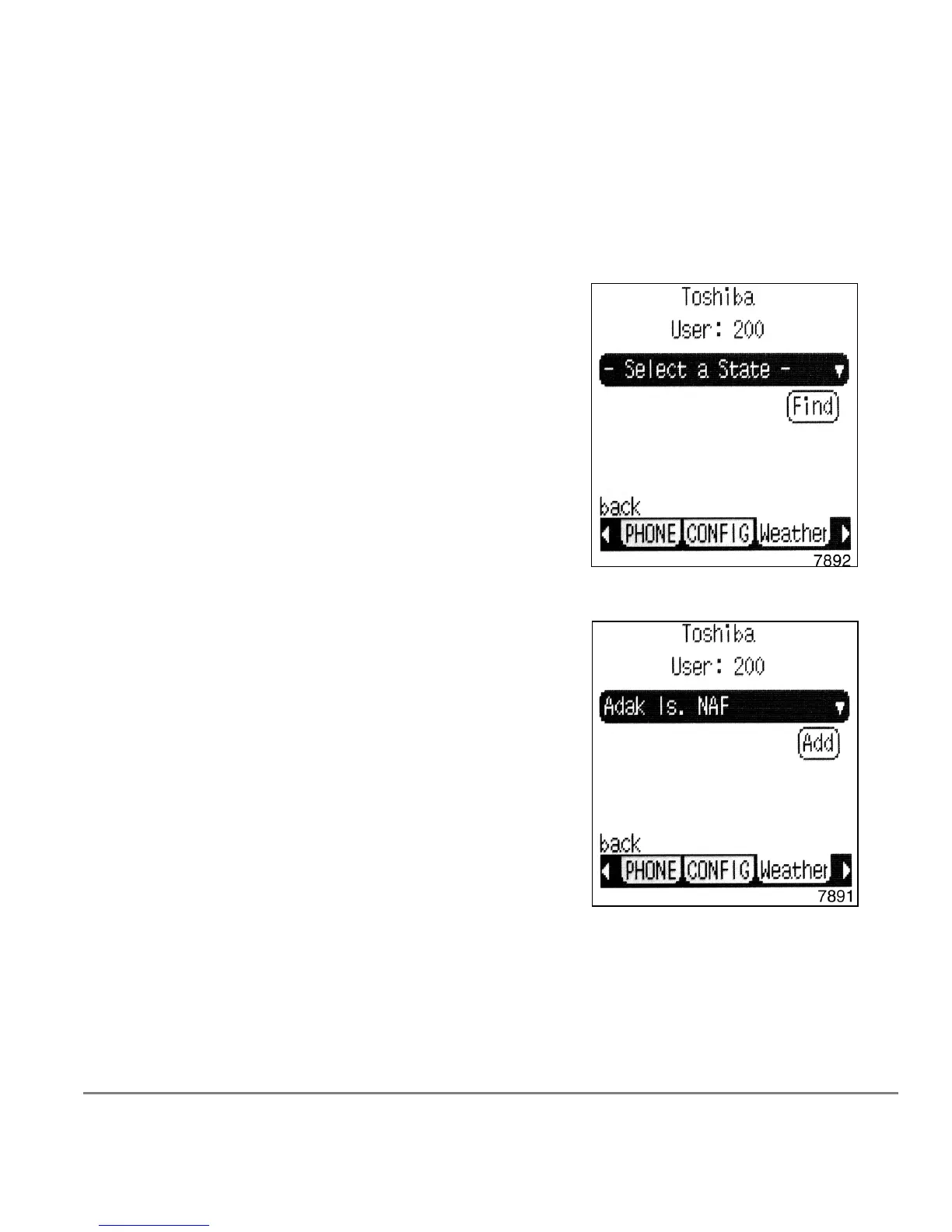
To add a Weather destination
1. Complete steps 1~3 above.
2. Press the Add soft key.
3. Select a State (shown right). Use the
S or T
arrows to scroll to the appropriate location.
4. Press the soft key next to the location.
5. Press the Find soft key.
6. Press the soft key next to the location that
displays.
7. Select the city or location you wish to see by
using the navigational buttons.
8. Press the Enter button on the selection.
9. Press the Add soft key to add the city for the
weather you want displayed (shown right).



 To Next Page