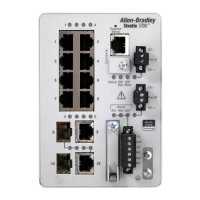
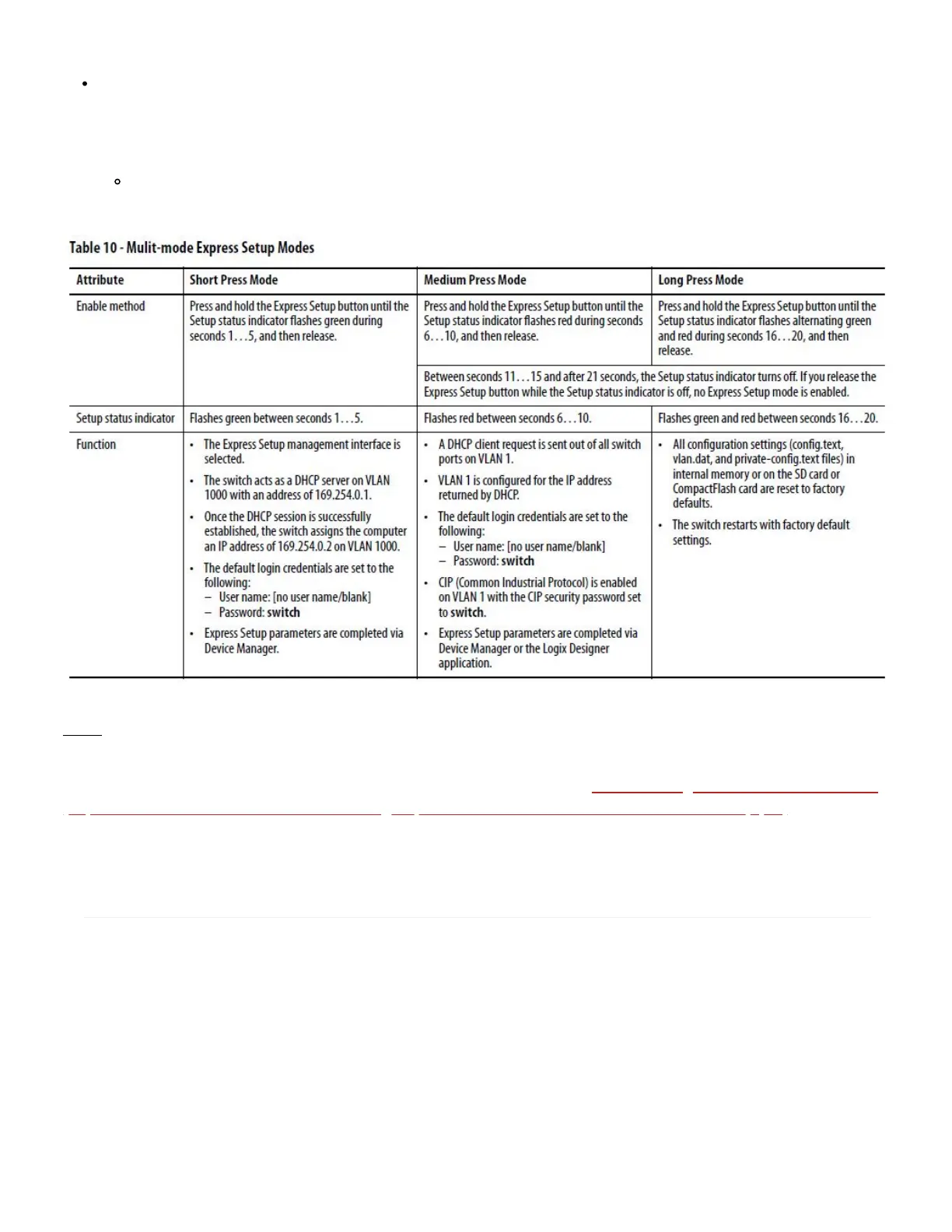
Long Press mode—You want to reset the switch to use factory default settings. To run Long Press mode,
press and hold the Express Setup button until the Setup status indicator flashes alternating green and red
during seconds 16...20, and then release.
Upon release of the Express Setup button, the switch restarts with factory default settings.
Note: Do not perform Express Setup while a process is running.
For more information on Express Setup and the network settings see the Stratix Managed Switches User Manual
(http://literature.rockwellautomation.com/idc/groups/literature/documents/um/1783-um007_-en-p.pdf) Publication
1783-UM007.
DISCLAIMER
This knowledge base web site is intended to provide general technical information on a particular subject or
subjects and is not an exhaustive treatment of such subjects. Accordingly, the information in this web site is not
intended to constitute application, design, software or other professional engineering advice or services. Before
making any decision or taking any action, which might affect your equipment, you should consult a qualified
professional advisor.


 To Next Page
 Loading...