
 Need help?
Do you have a question about the Streamax X3-H0204 MDVR and is the answer not in the manual?
Compliance with local electrical safety norms during installation and operation.
Precautions for handling during transportation, storage, and installation to avoid damage.
Guidelines for careful installation of the equipment, avoiding excessive pressure.
Requirement for qualified technicians and engineers for checking and maintenance.
Storage and installation conditions: cool, dry, away from sunlight and flammables, with ventilation gaps.
Recommendation to use manufacturer-recommended accessories and insulate peripherals.
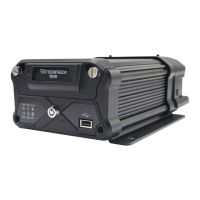
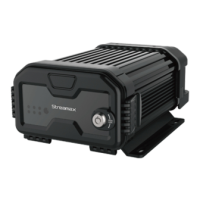
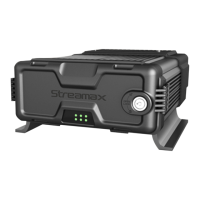
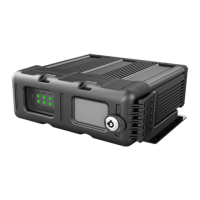
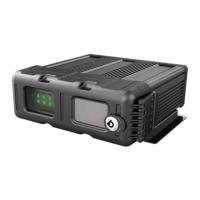
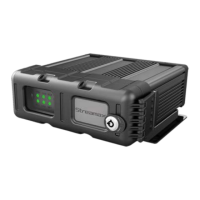
Introduction to the Streamax X3-H0204 MDVR and its features.
Detailed technical specifications including system, video, audio, display, and recording.
Visual representation of the MDVR's system connections and component layout.
Description of the physical ports and connectors on the MDVR unit.
Step-by-step guide for installing a hard disk drive into the MDVR unit.
Identification and visual guide for the MDVR's external cables.
Procedure for accessing the MDVR's interface via local connection, including user authentication.
How to search, view, and export recorded video files from the MDVR.
Functionality for searching system logs, including operation and alarm events.
Overview of the MDVR's current status: version, modules, server, environment, and storage.
Configuration of fundamental MDVR settings like vehicle info, time, user, network, and applications.
Settings for live view, recording, IPC setup, and PTZ control for monitoring operations.
Configuration for collecting data like sensor readings, serial port settings, and snap settings.
Setup and configuration of various alarm types: speed, video loss, ACC, IO, and panic alarms.
Procedures for system maintenance: configuration, data export, upgrades, storage, and default settings.
Steps to access and log into the MDVR via a web browser.
Overview of the main user interface when accessing the MDVR through the web.
Functionality for playing back recorded video through the web interface.
Table showing storage requirements based on image resolution and stream bitrate.
Formula and example for calculating the size of recorded video files.
Table detailing storage usage per channel for different resolutions and quality settings.
Troubleshooting steps for problems related to the MDVR failing to start.
Solutions for issues causing the MDVR to restart unexpectedly.
Guidance on troubleshooting when the MDVR is not recording.
Steps to resolve issues where recorded files lack audio.
Troubleshooting tips for abnormal GPS functionality or signal loss.
Solutions for the device failing to shut down correctly in ignition ON/OFF mode.
Instructions on how to properly install the Wi-Fi antenna.
Troubleshooting steps when the MDVR is stuck in a restart loop.
Instructions on how to update the MDVR's firmware.


 To Next Page
 General