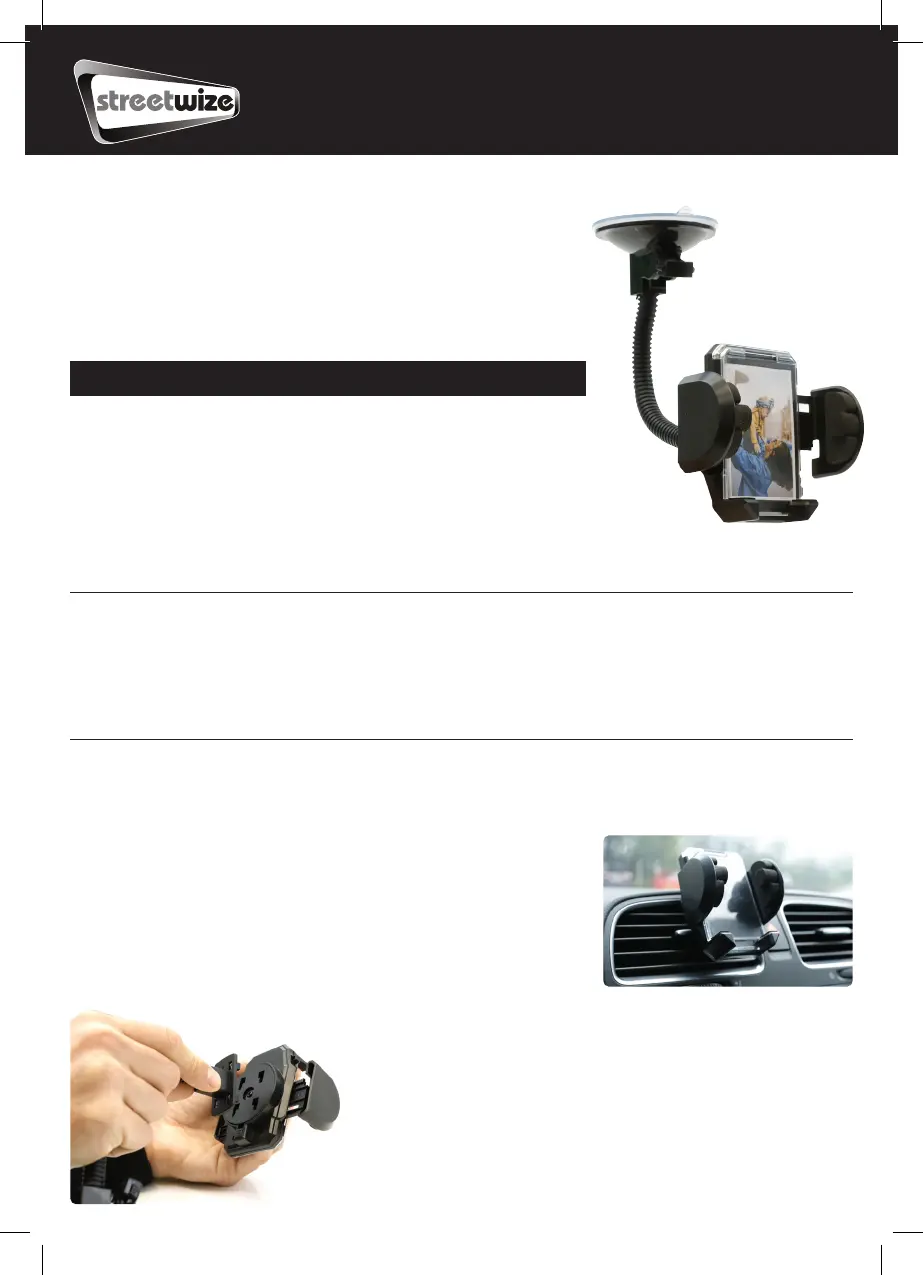
Suction/Vent Mount
Gadget Holder
With Built-In Picture Frame (SWGH)
Information for Use
Thank you for purchasing this gadget holder from Streetwize. This gadget
holder can hold mobile phones, smartphones and Sat Navs between 40mm
and 110mm in width.
It comes with a built-in photo frame and also features 360-degree rotation for
holding the device either vertically or horizontally.
To get best use out of this product, we advise that you read all the information in this document.
Directions for use
This gadget holder can either be mounted to your windscreen or to your vehicle’s vent.
Vent Mount
1. Assemble the vent clip by sliding the clip into the base.
2. Connect the vent clip mount attachment to the gadget holder. Ensure
the attachment is securely clipped in (See figure1).
3. To mount the gadget holder to your vent. Make sure the vent clip is
secured around the vent bars.
4. Mount your device (follow instructions in Mount Your Device).
Product Elements
1. Gadget holder
2. Suction mount attachment
3. Vent clip attachment (unassembled)
4. Built-in photo frame
Fig. 1


 To Next Page