14
Generic Video Source Direct to Display
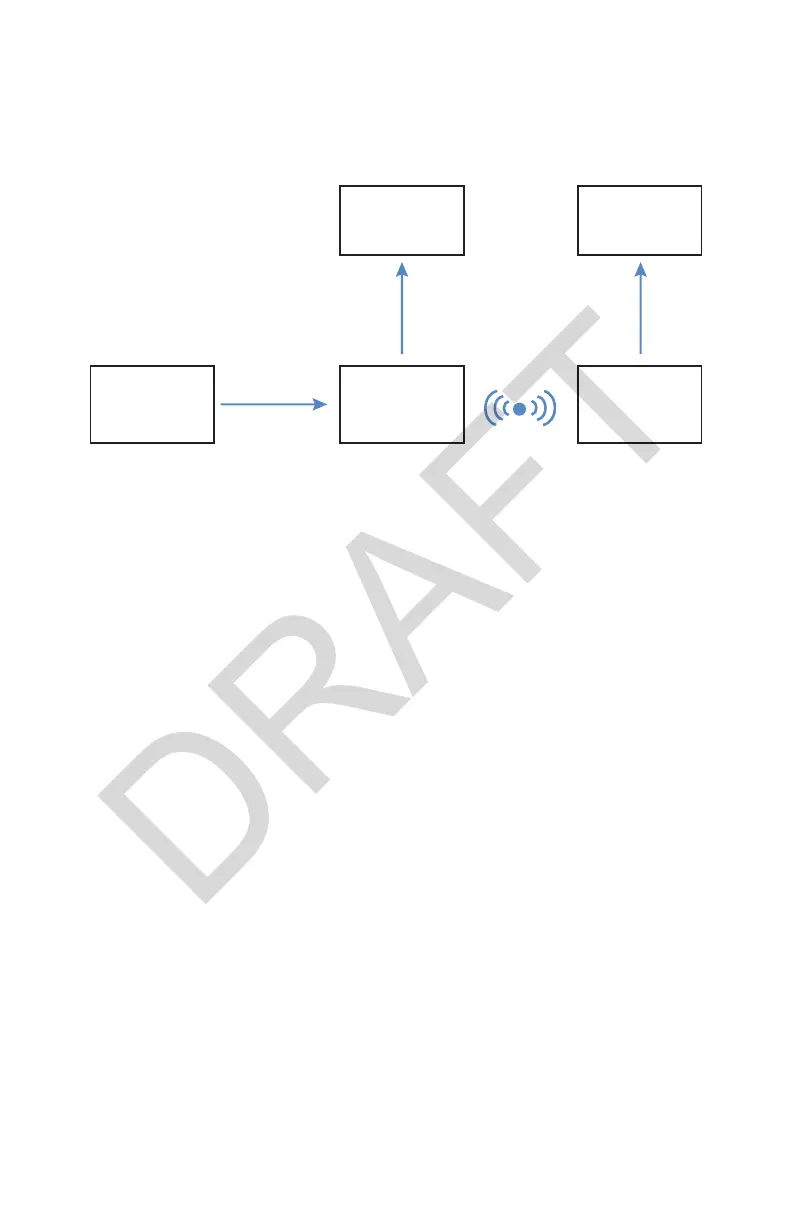
Refer to the following instructions and wiring diagram for a typical wireless
con guration.
Display
Video
Source
Transmitter Receiver
Display
HDMI HDMI
HDMI
1. Using the provided HDMI cable, connect the HDMI OUT on the video
source to the HDMI IN on the transmitter.
• The HDMI OUT on the transmitter can be connected to the HDMI IN on
a secondary display.
2. Using the provided HDMI cable, connect the HDMI OUT on the receiver to
the HDMI IN on the primary display.
3. (Optional) Repeat Step 2 for a second receiver.
4. Link the receiver to the transmitter with the token. (If using a temporary
token, linking is required each time the receiver or transmitter is powered
on.)
5. (Optional) Link a second receiver directly after linking the rst receiver. Do
not reconnect the token to the transmitter.



 To Next Page