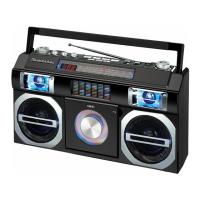
Recording from the built-in microphone
1. Press and hold the POWER BUTTON (#1) to turn on the unit.
2. Tap the FUNCTION BUTTON (#17) repeatedly to select cassette mode. CASS
will light on the LCD DISPLAY (#23).
2. Press STOP/EJECT BUTTON (#8) to open the CASSETTE HOLDER (#24).
3. Insert a tape and close the CASSETTE HOLDER (#24).
4. Press RECORD BUTTON (#12). PLAYBUTTON (#11) is depressed
automatically.
5. To pause recording, press the PAUSE BUTTON (#7). Press the PAUSE
BUTTON (#7) again to resume recording.
6. To stop recording, press the STOP/EJECT BUTTON (#8).
7. To listen to your recording, tap the FUNCTION BUTTON (#17) repeatedly to
select cassette mode. Press REW. BUTTON (#10) to rewind the tape to
search your recording, then press PLAYBUTTON (#11) to listen.
Note: The Built-in MICROPHONE (#25) is located on the front right of the unit. Place
the recorder near the sound source to be recorded.
CARE AND MAINTENANCE
1. Do not subject the unit to excessive force, shock, dust or extreme temperature.
2. Do not tamper the internal components of the unit.
3. Clean your unit with a dry cloth. Solvent or detergent should never be used.
4. Avoid leaving your unit in direct sunlight or in hot, humid or dusty places.
5. Keep your unit away from heating appliances and sources of electrical
noise such as fluorescent lamps or motors.
6. If drop-outs or interruptions occur in the music during
CD play, or if the CD fails to play at all, its bottom
surface may require cleaning. Before playing, wipe the
disc from the center
outwards with a good soft cleaning
cloth
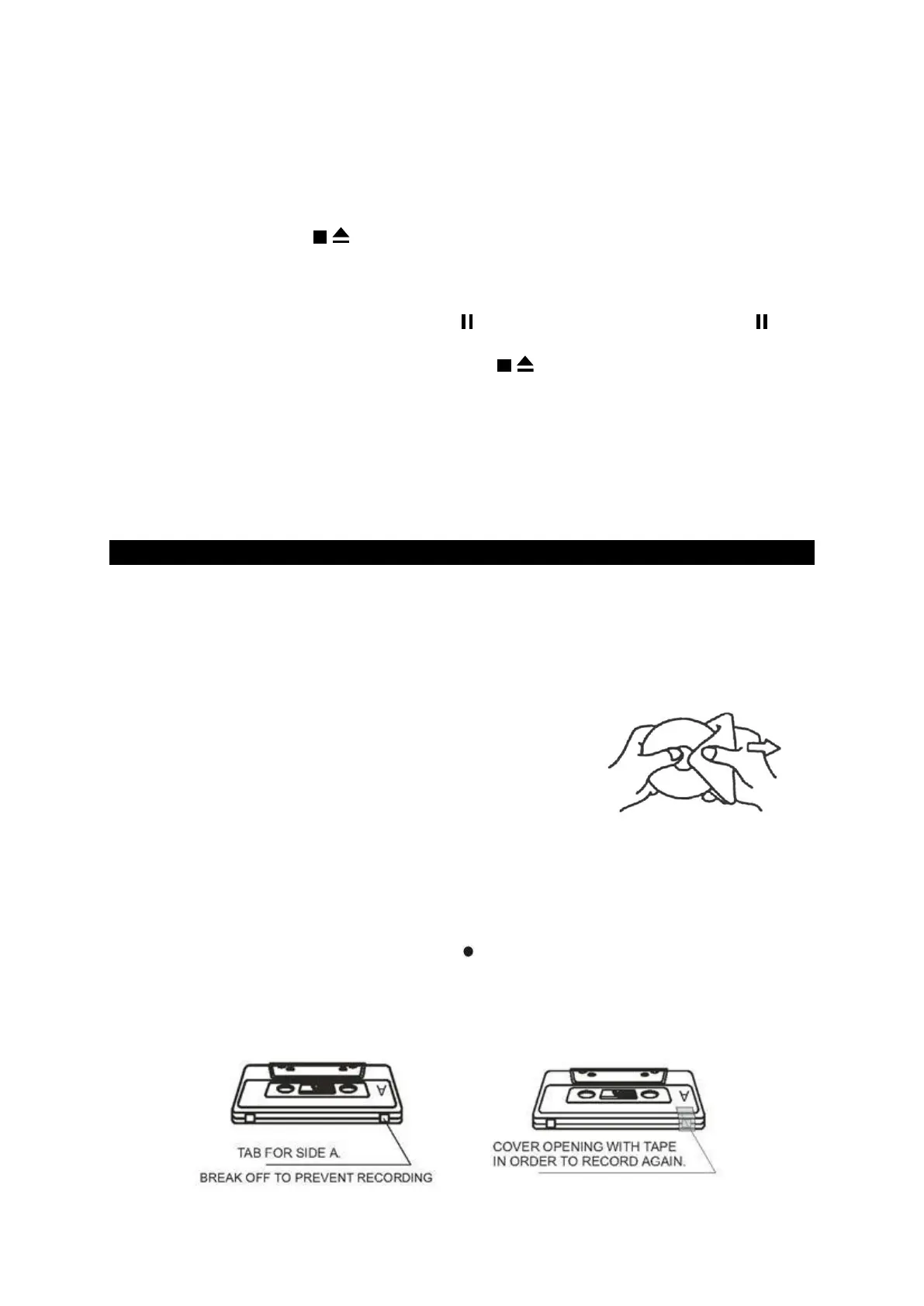
ABOUT CASSETTE TAPES
Whenever you record on a cassette any previously recorded material is erased as
the new material is recorded. To prevent you from accidentally erasing material
which you wish to save, blank cassettes are equipped with erase prevention tabs for
each side of the tape. If the erase prevention tab for side A is removed, you cannot
accidentally record on side A. The Record key cannot be depressed if the erase
prevention tab on the cassette has been removed.
To prevent accidental erasing on side A of a cassette use a small screw driver or
similar tool to break off the erase prevention tab for side A. This prevents the record
key form locking.


 To Next Page