OnAir Digital Mixing Consoles
6-112 Conguration
Document generated: 06.08.14
SW V6.0
6.5.31.2 Routable Sources
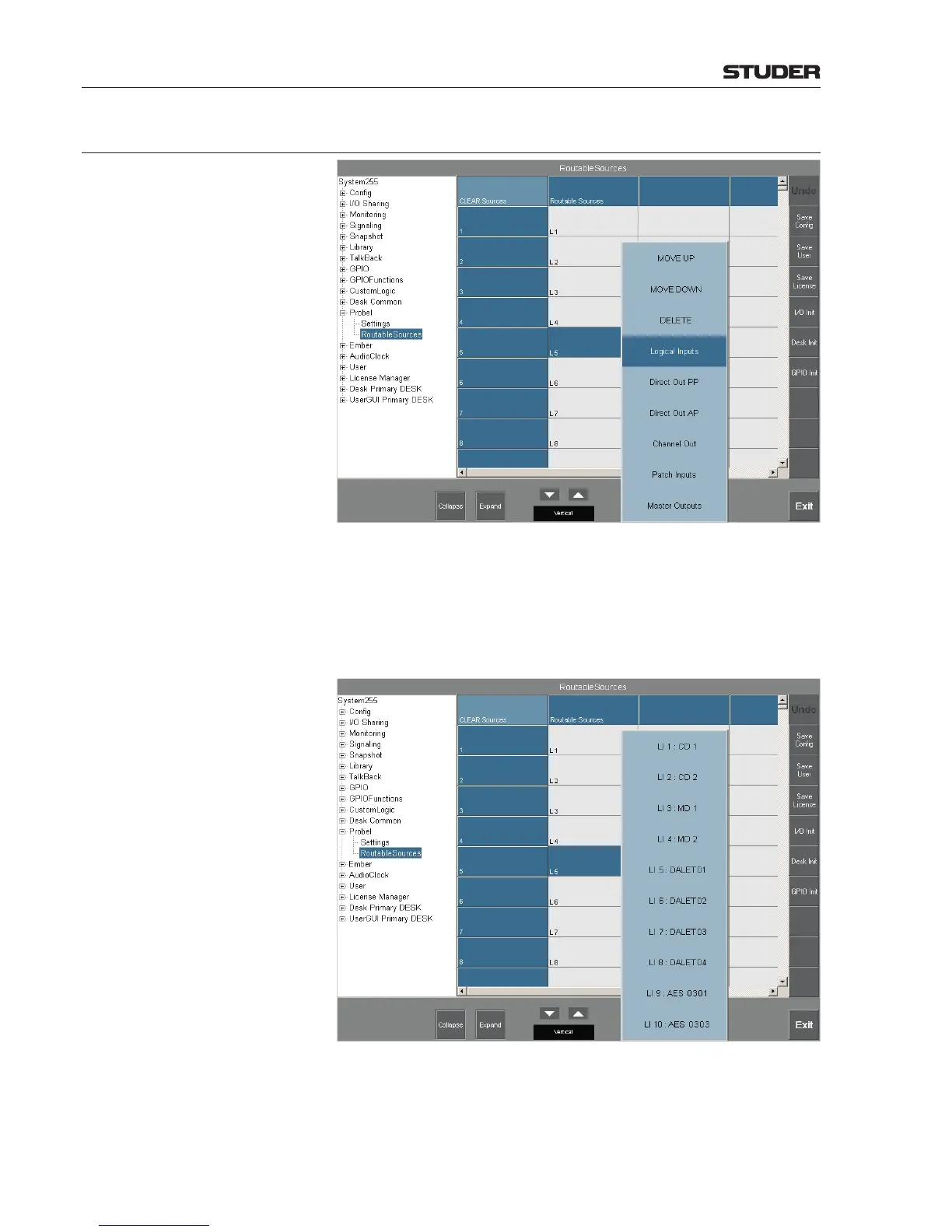
CLEAR Sources The top left CLEAR Sources field is colored brighter than the others; it can
be used to clear all configured sources. If it is touched, clearing the sources
has to be confirmed in a dialog box.
L1, L2,... define the physical audio inputs used to establish the logical input.
After touching one of the L... fields, a list appears for selection of the routable
sources. When touching e.g. the Logical Inputs field, a list for selection of
all possible logical inputs appears.



 To Next Page