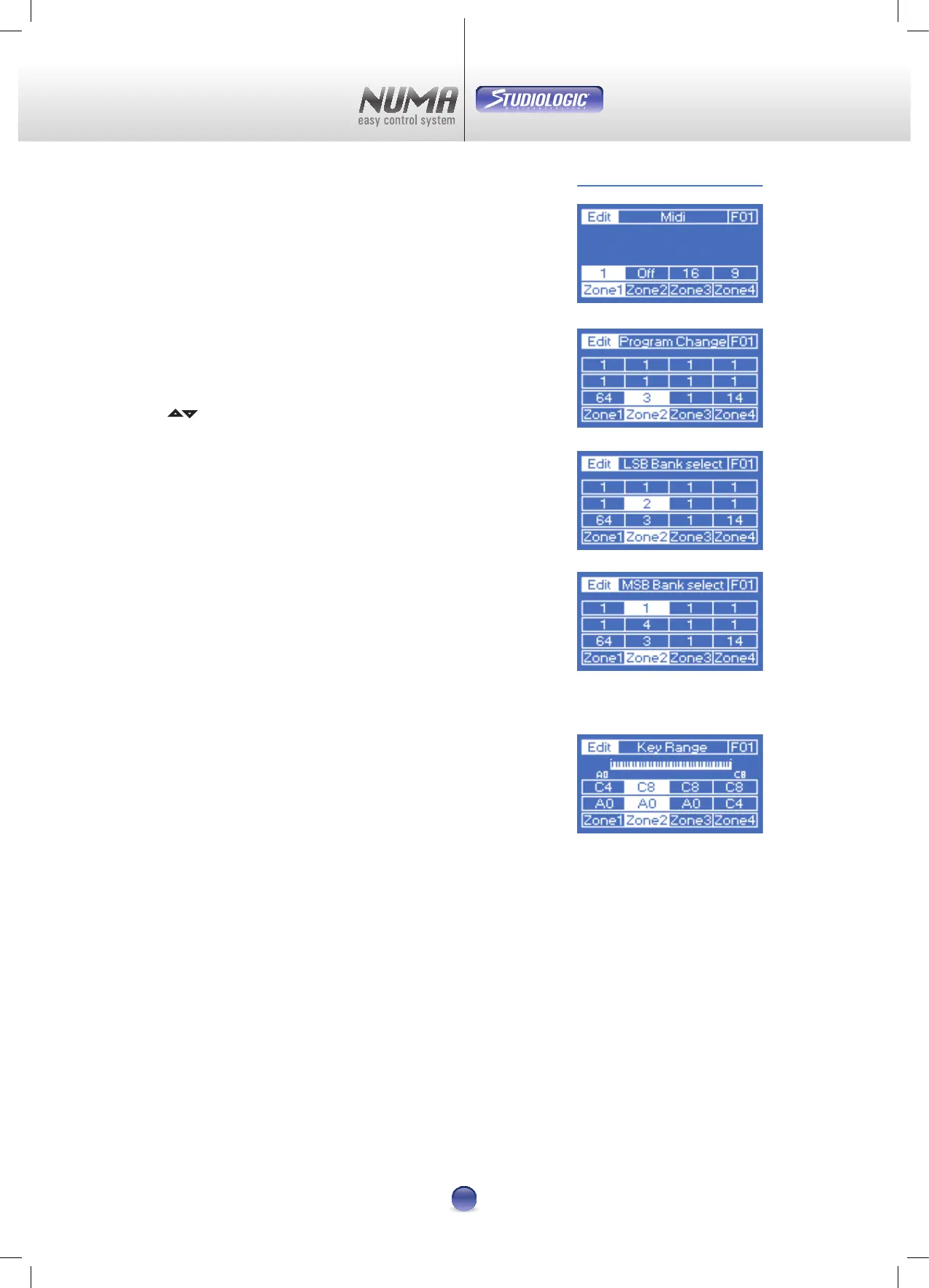
Midi
This is where you can setup the right MIDI-Channel for every
zone. Range is from 1 to 16. If you choose „0“, the zone gets
inactive and won‘t be displayed on other pages (Image 9).
Program Change
Assigning the preset of an external sound generator to a
Numa zone is done with the parameters Program Change,
LSB Bank Select und MSB Bank select.
Three sub-pages (Image 10-11-12) can be selected with pads
5 6 and displayed in the top row. Values are „O“ and „0“ up
to „127“.
Please check the manual of your external sound-module to
nd out which sound is on which preset.
Key Range
It´s very easy to split the Numa keyboard into 4 separate
Zones. Choose one zone with the corresponding Control Key
u
-
x . Now press the rst and the last key of the desired
Range - done.
The display gives you a feedback of your selection (Image 13).
Range is from A0 up to C8.
Edit Mode Part 1
Image 9
Image 10
Image 11
Image 12
Image 13












 To Next Page