EasyManua.ls Logo

Studiologic numacompact - User Manual

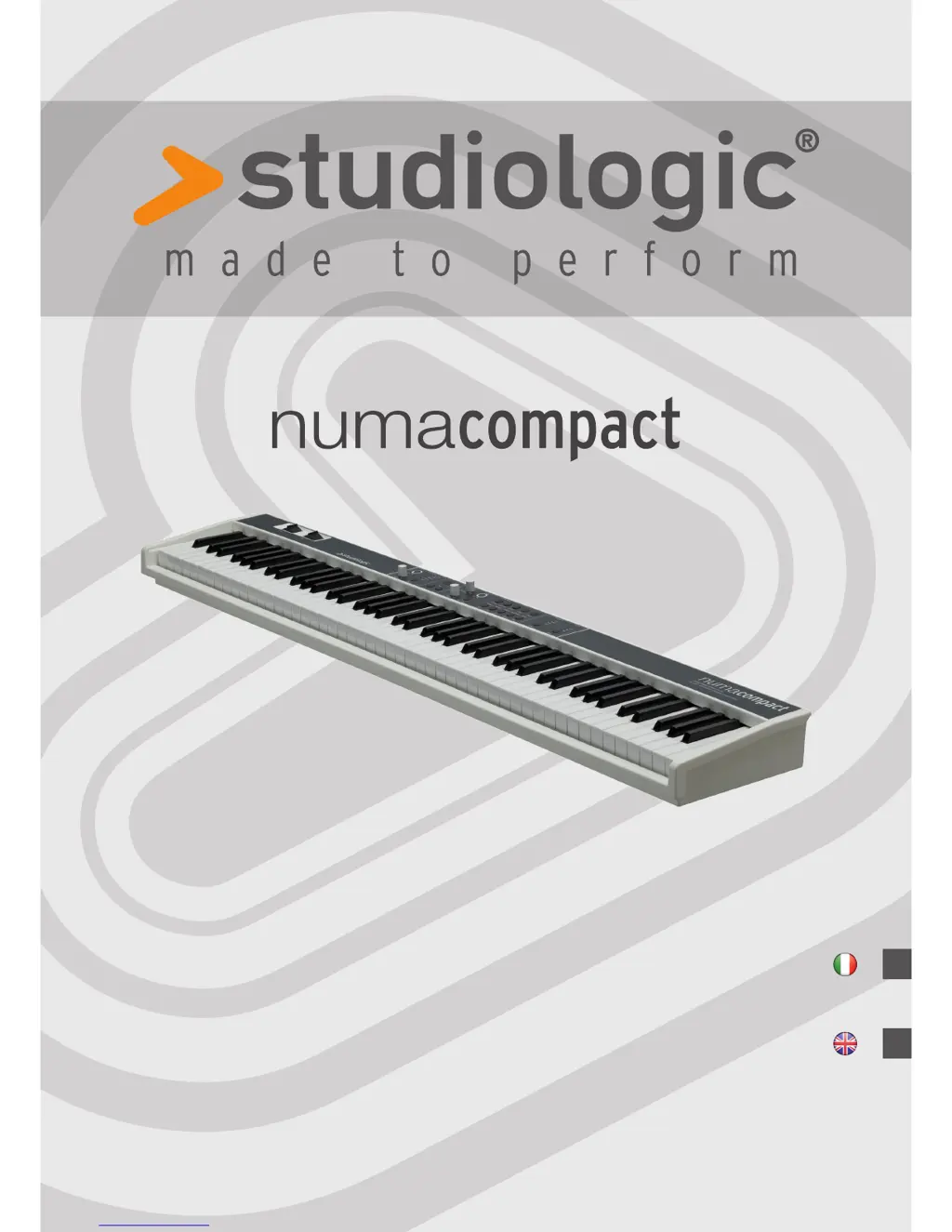
Studiologic numacompact
53 pages
Go to English
Print Icon
To Next Page IconTo Next Page
Loading...
Operation Manual
Manuale di Istruzione
I
E
Version 1.0

Questions and Answers

Summary

Safety and Usage Precautions

Important Safety Instructions

Please read the entire manual for all necessary information to use the unit.

Power and Environment

Connect the unit to the main power supply or USB. Avoid rain, moisture, and condensation.

Initial Setup and Usage

Powering Up the Unit

Connect to power via adapter or USB and turn on the unit.

Audio and Volume Control

Connect audio outputs, headphones, and manage volume levels safely.

Velocity Curves and Preset Storage

Velocity Curve Selection

Adjust touch sensitivity by selecting one of 3 curves (S, M, H, F) via Function & Velocity.

Storing User Presets

Save current settings to one of 50 user presets (P01-P50) using Function [store].

Global Functions and Updates

Factory Reset

Restore factory presets by holding MIDI module On/Off at startup. Warning: erases all user settings.

Firmware Management

View firmware version or update via USB. Access update by holding Function at startup.

MIDI and Masterkeyboard Functions

Troubleshooting Common Issues

Power and MIDI Issues

Addresses problems with the instrument not turning on or not sending MIDI data.

MIDI Control and Sound Output

Covers issues with MIDI control, fixed velocity, and no sound output.

Layer Mode and Pedal Problems

Solutions for layer mode sound issues and sustain pedal polarity problems.

MIDI Implementation Chart

MIDI CC Messages

Lists transmitted and recognized MIDI Control Change messages for modulation, volume, balance, etc.

Technical Specifications

General Specifications

Details keyboard, sound engine, effects, display, connections, power, and weight.

Studiologic numacompact Specifications

General IconGeneral
BrandStudiologic
Modelnumacompact
CategoryElectronic Keyboard
LanguageEnglish

Related product manuals