EasyManua.ls Logo

Studiomaster digiLiVE - Page 22

Studiomaster digiLiVE
36 pages
Print Icon
To Next Page IconTo Next Page
To Previous Page IconTo Previous Page
Loading...
Each of the four bands – High, High Mid, Low Mid and Low - can be adjusted for cut or boost
GainFreqQ
 Tap the Gain, Freq or Q on-screen control and use the ADJUST knob;
 Tap the Gain, Freq or Q
“dialling” action;
 
    
bandwidth using this method.
You can cancel an EQ curve by tapping the Flat button; tapping the Bypass button has the same

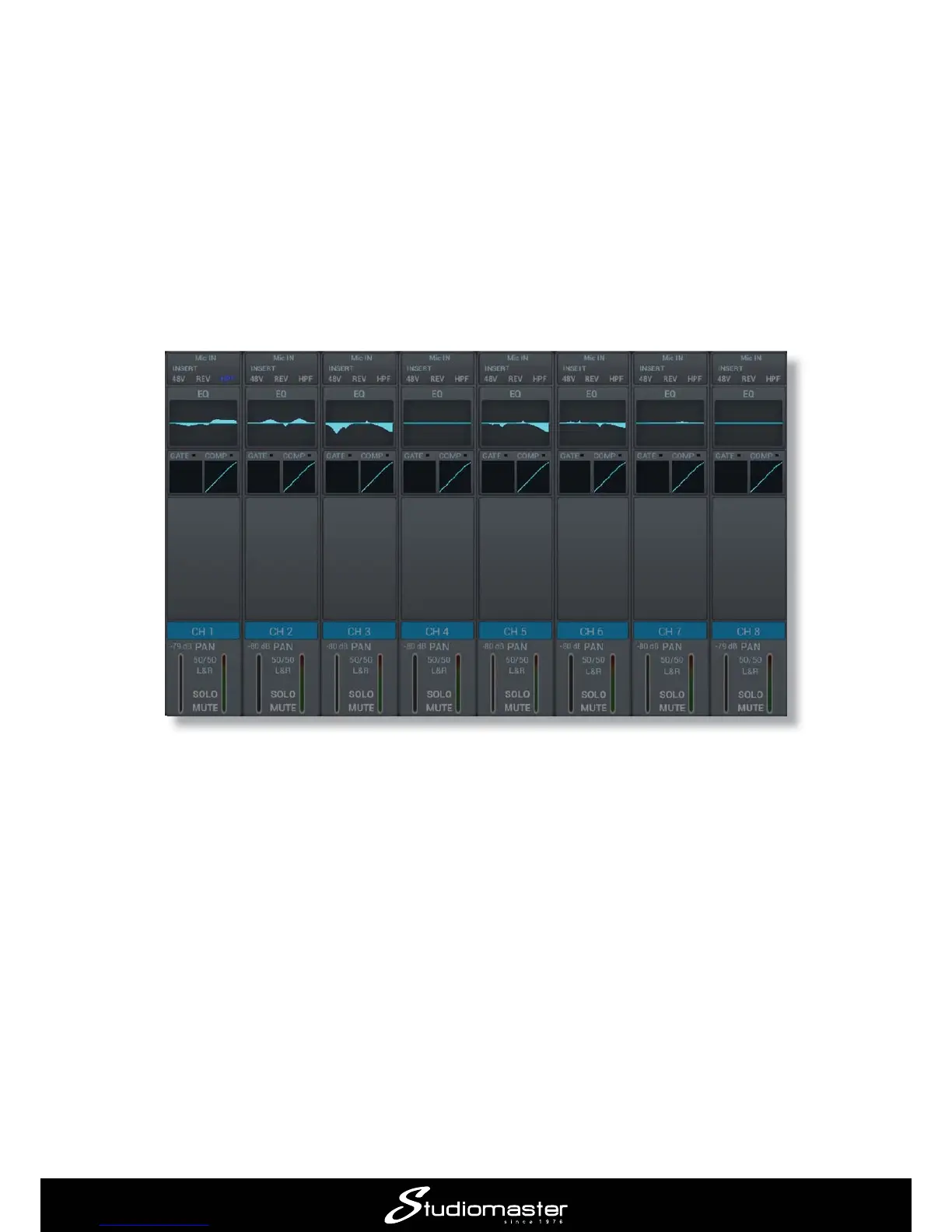
Note that a miniature version of the EQ curve for each input is displayed on the main channel page.


Related product manuals