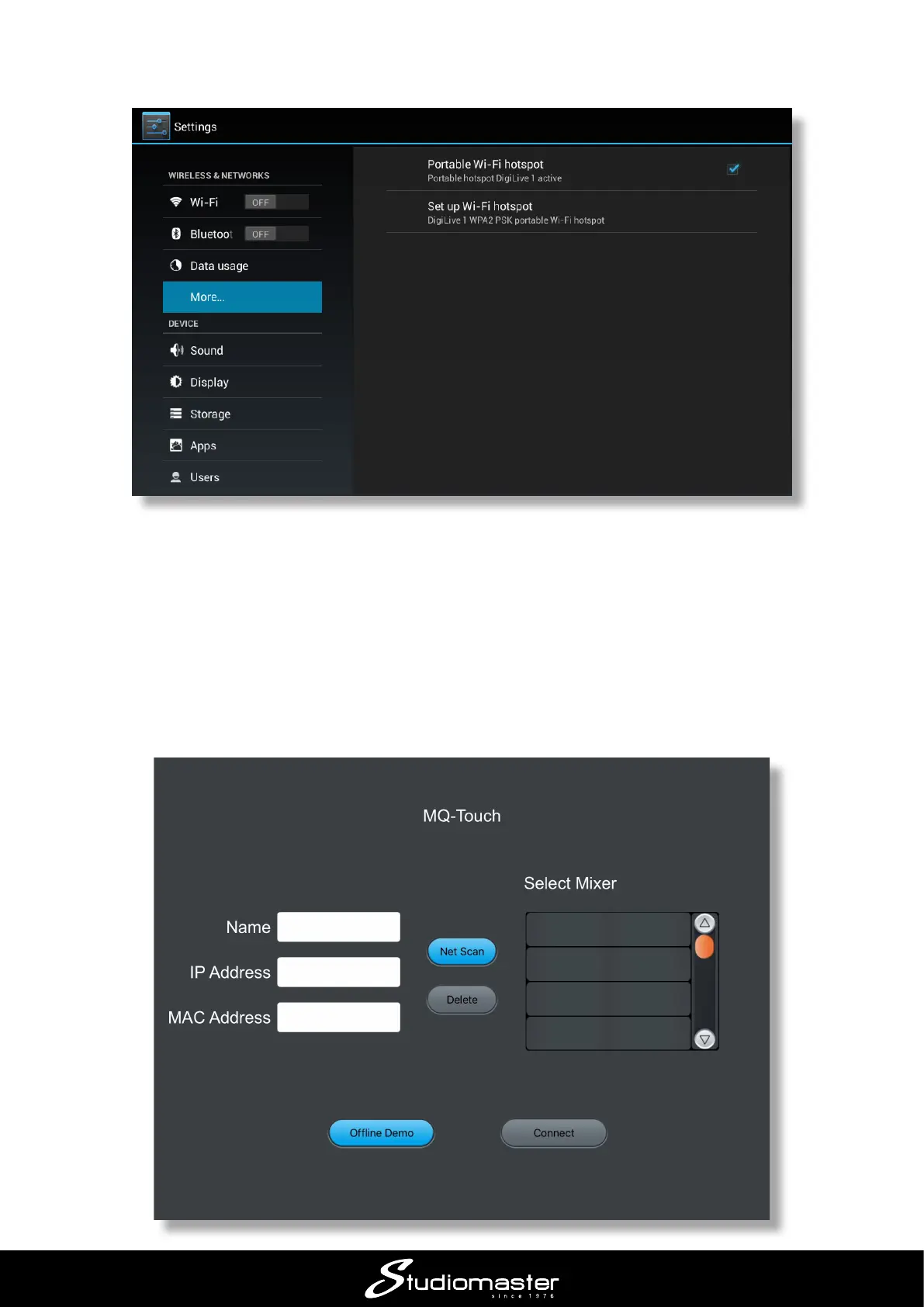
• On the Settings screen, tick the Portable Wi- hotspot check box.
• Press the BACK button to return to the digiLiVE mixer pages
Once you’ve downloaded the DigiLive app to your iOS device, perform the following steps:
• Open the Settings window
• Select the WiFi tab, choose DigiLive1 and enter the password.
• Open the DigiLive app














 To Next Page