EasyManua.ls Logo

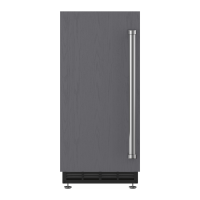
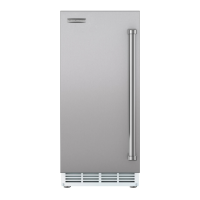
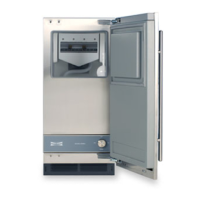
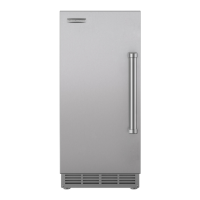
Sub-Zero Wolf ICB700 Series - User Manual

Sub-Zero Wolf ICB700 Series
94 pages
Print Icon
To Next Page IconTo Next Page
Loading...
General Information 2
Installation Information 5
Controls & Operation 7
Sealed System 33
Air Flow & Fan Blade Spacing 39
Icemaker Information 41
Troubleshooting Guide 68
Technical Data 85
LOKRING Information 88
Wiring Diagrams 89
subzero.com 800.222.7820
ICB 700 Base
Service Manual

Questions and Answers

  • B
    Bill BarrettAug 9, 2025
    What to do if 'EE' is observed in left display area during Diagnostic Mode of Sub-Zero Ice Maker?
    • C
      Catherine BarajasAug 9, 2025
      If you see “EE” in the left display area during Diagnostic Mode on your Sub-Zero Ice Maker, it means the thermistor is either open or shorted, or there's a break in the thermistor's wiring. You should replace the faulty thermistor or repair the wiring connections.
  • K
    Kayla DavisAug 25, 2025
    What does 'Sr' mean on my Sub-Zero Wolf ICB700 display?
    • G
      glennpamelaAug 26, 2025
      If “Sr” appears in the left display area during Diagnostic Mode on your Sub-Zero Ice Maker, the unit is in Showroom Mode.

Sub-Zero Wolf ICB700 Series Specifications

General IconGeneral
Width15 inches
Ice Production50 lbs per day
Storage Capacity25 lbs
Control TypeElectronic
Water FilterYes
Energy Star QualifiedNo
Voltage115 V
Drain TypeGravity Drain
Door StyleSolid
Dimensions (H x W x D)34 x 15 x 24 inches
Water Connection1/4 inch
RefrigerantR134a

Related product manuals